

Designrr
Designrr is a cloud-based eBook creation tool that helps content creators repurpose blogs, podcasts, videos, and PDFs into professional eBooks, flipbooks, and lead magnets.
What is Designrr? A Content Creator's Guide
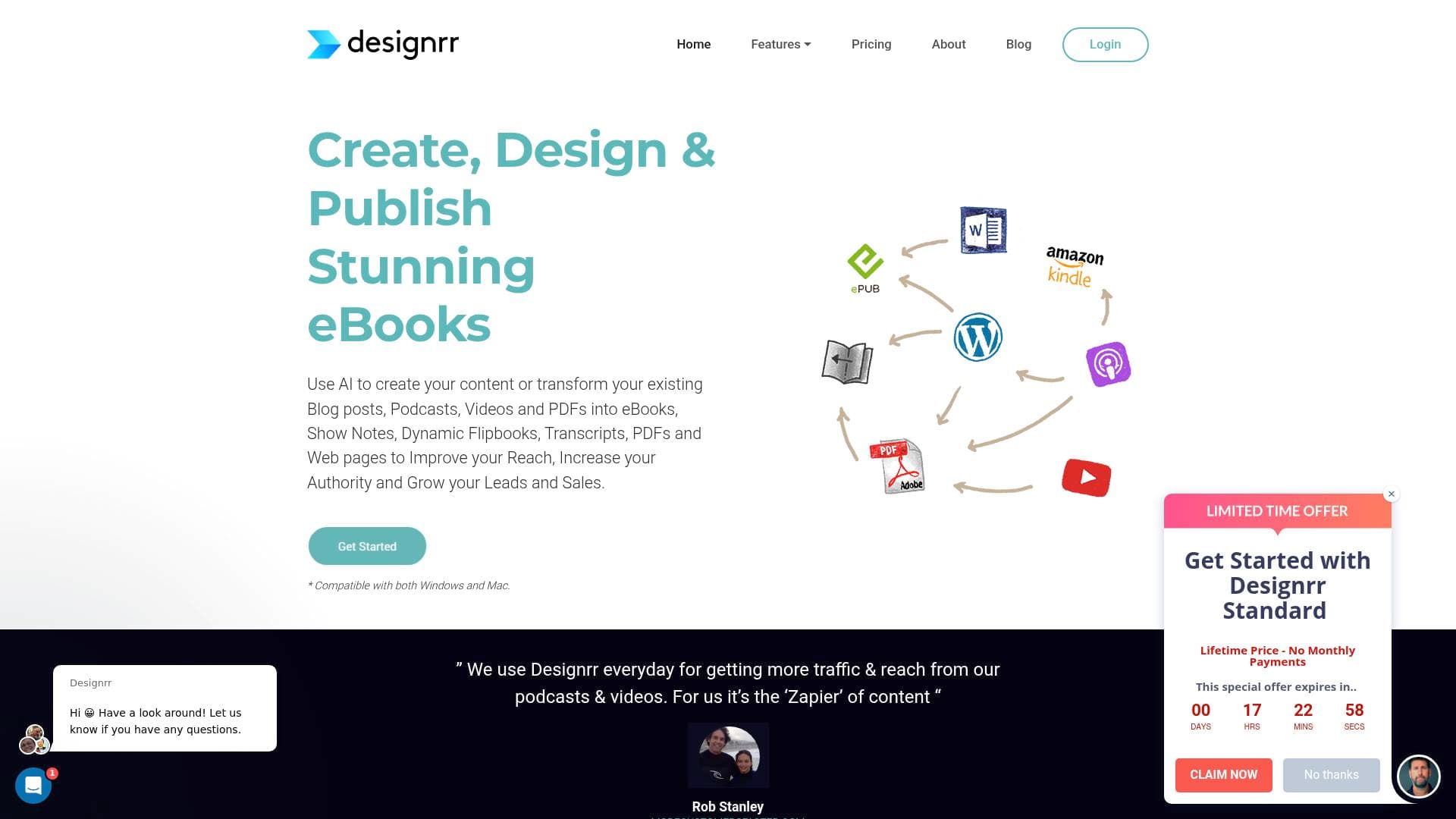
Designrr is a cloud-based eBook creation and content repurposing tool built specifically for creators who want to squeeze more value out of the content they already produce. The core problem it solves is a familiar one: turning a blog post, podcast episode, or YouTube video into a polished, publishable eBook used to require multiple tools, design skills, and hours of manual work. Designrr collapses that entire workflow into a single platform that can produce a finished product in under two minutes. The tool supports an impressive range of input formats, including web pages, MS Word documents, Google Docs, PDFs, audio files, video files, and YouTube URLs, making it one of the most flexible content repurposing solutions available for creators. Output formats are equally broad, covering PDF, Kindle (mobi), ePub, iBooks, dynamic flipbooks, HTML embeds, and blog posts. At its core, Designrr functions as an ebook creation workflow that handles transcription, design, and publishing in one place. With over 320,000 users and more than 1.9 million eBooks already created on the platform, it has established itself as a go-to tool for podcasters, YouTubers, bloggers, and course creators looking to grow their audience and email list through lead magnets and downloadable content.
Designrr Features That Matter for Content Creators
-
Wordgenie AI Content Creator: Designrr includes its own built-in AI engine called Wordgenie, which allows creators to generate content from scratch without writing a single word. The PRO version of Wordgenie is available on higher-tier plans and gives creators a fast starting point for new eBooks, guides, or lead magnets even when they don't have existing content to repurpose.
-
AI-Powered Transcription: One of the most powerful features for podcasters and video creators, the AI instant transcription service automatically converts audio and video files into text. Transcription time runs at approximately 1/10th the length of the recording plus one minute, meaning a 60-minute podcast episode could be transcribed in roughly seven minutes. Podcasters using this feature have reported getting up to 10x more downloads and website traffic by publishing show notes and transcripts.
-
Multi-Source Import: Designrr accepts content from an unusually wide range of sources, including blog URLs (from Squarespace, Shopify, HubSpot, and more, not just WordPress), MS Word documents, Google Docs, PDFs, YouTube videos, and direct audio or video file uploads. Creators can even import multiple posts or pages into a single project, making it easy to compile a comprehensive guide from a series of articles.
-
Multiple Export Formats: Finished projects can be exported as PDF, Kindle (mobi), ePub for iBooks, HTML embed code for websites, or as dynamic flipbooks. This means a single piece of content can be distributed across Amazon Kindle, the Apple Bookstore, a creator's own website, and PDF-sharing platforms without any additional reformatting work.
-
Dynamic Flipbook Generator: Any PDF can be converted into an interactive flipbook, which creators can embed directly on their website or blog. This is particularly useful for turning static lead magnets into more engaging, visually dynamic content experiences for an audience.
-
300+ Project Templates and 200+ Cover Designs: The PRO plan and above include access to over 300 project templates and more than 200 pre-designed cover options. Each template comes pre-loaded with a default cover page and CSS styles, so creators can produce a professionally designed eBook without any graphic design experience.
-
3D Cover Image Tool: Available on PRO plans and above, this feature lets creators generate a three-dimensional book cover image, which is a standard visual used in marketing lead magnets and product pages. A polished 3D cover significantly increases the perceived value of a downloadable resource.
-
AI Image Generator: Included in the Premium and Business plans, the AI image generator allows creators to produce custom visuals directly within the platform, removing the need to source or purchase stock photography for eBook interiors and covers.
-
Copyright-Free Image Search: All plans include unlimited access to a built-in database of copyright-free images. Creators can search and insert images directly into their projects without leaving the editor or worrying about licensing issues.
-
Custom Branding and Templates: Creators can build branded templates with their logo, brand colors, and custom fonts, so every new eBook or lead magnet automatically carries a consistent visual identity. This is especially valuable for creators who regularly produce downloadable content and want to maintain a professional, recognizable brand across all materials.
-
Page Numbering, Table of Contents, and Headers/Footers: These structural elements are automatically generated and fully customizable. Headers default to the post title and footers include a backlink to the original source, which is useful for SEO and attribution when repurposing web content.
-
Secure Cloud Storage: All projects are stored in a creator's account on secure servers with SSL encryption, accessible and downloadable at any time.
Which Content Creators Should Use Designrr?
Designrr is built for creators who produce content regularly and want a faster way to extend the life and reach of that content. It works equally well for solo creators just starting out and for established creators managing high-volume content operations. The platform is beginner-friendly by design, with a straightforward five-step workflow that requires no design or technical skills.
Primary creator types:
- Podcasters who want to publish show notes, transcripts, and episode summaries to drive more website traffic and downloads
- YouTubers who want to convert video content into eBooks, blog posts, and lead magnets to reach audiences who prefer written content
- Bloggers who want to bundle existing posts into downloadable guides or lead magnets to grow their email list
- Course creators who want to repurpose whitepapers, articles, and lesson content into polished PDF handouts or Kindle books
- Newsletter writers who want to compile their best issues into a structured eBook for list-building or sale
- Content marketers who produce lead magnets regularly and need a repeatable, fast production workflow
Specific use cases for content creators:
- A podcaster uploads a 45-minute episode and receives a fully transcribed, formatted eBook within minutes, ready to offer as a content upgrade to email subscribers
- A YouTuber pastes a video URL and converts the auto-transcribed content into a blog post and downloadable PDF guide
- A blogger copies a URL from their latest post and generates a branded lead magnet in under a minute using a pre-saved template
- A course creator imports a series of blog posts and compiles them into a single Kindle book for sale on Amazon
- A creator with no design background uses the 3D cover tool and pre-built templates to produce a professional-looking eBook for a landing page
- A content creator embeds a dynamic flipbook version of their PDF guide directly onto their website for a more interactive reader experience
- A creator uses Wordgenie to generate a new eBook from scratch when they don't have existing content to repurpose
- A creator exports their eBook as ePub and uploads it to the Apple Bookstore to reach a new distribution channel
Getting Started with Designrr
- Log in and access the dashboard: After signing up, creators land on the main dashboard where all existing projects are visible and a new project can be started with a single click.
- Choose a content source: Paste a blog URL, upload a Word or Google Doc, drop in a PDF, or submit a YouTube link or audio/video file. For video and audio, the AI transcription engine processes the file automatically.
- Select a template: Choose from the available project templates, each pre-loaded with a cover page and CSS styling. Name the project and click "Create" to auto-populate the editor.
- Edit and customize: Use the editor to correct typos, add speaker names, insert screenshots or block quotes, change cover images using the media manager, and adjust fonts, colors, headers, and footers.
- Publish and distribute: Export the finished project as a PDF, ePub, Kindle file, HTML embed, or flipbook. The file is stored in the account for future access and can be downloaded, embedded on a website, or uploaded to distribution platforms like Amazon Kindle or the Apple Bookstore.
Designrr FAQ for Content Creators
Can Designrr import content from platforms other than WordPress? Yes, Designrr works with any website that has a publicly accessible URL, including Squarespace, Shopify, and HubSpot blogs. All that's needed is the URL of the specific post or page.
How long does transcription take for a podcast or video file? Transcription runs at approximately 1/10th the length of the recording plus one additional minute. A 30-minute podcast would take roughly four minutes to transcribe, not counting upload time, which depends on the creator's internet connection.
Can a creator import content from multiple posts into one project? Yes, there is no limit on how many posts or pages can be added to a single project. This makes it straightforward to compile a series of articles into one comprehensive eBook.
What if a creator only needs a transcript and not an eBook? Transcripts can be downloaded in raw text format, ready for use in MS Word or any other text editor, without needing to produce a full eBook.
Are links in the final PDF clickable? All links in the exported PDF remain fully clickable, which is important for creators who include affiliate links, resource links, or calls to action in their content.
Is the content stored securely? All files and projects are stored on secure servers with SSL encryption and protected logins, so creator content remains private and accessible only to the account holder.
What publishing formats does Designrr support? Designrr covers PDF, ePub, Kindle (mobi), iBooks, HTML embed, and dynamic flipbook formats, covering all major ebook distribution channels.
The Verdict: Is Designrr Worth It for Content Creators?
For content creators who are already producing blogs, podcasts, or videos and want to multiply the reach of that content without multiplying their workload, Designrr delivers a genuinely practical solution. The ability to go from a YouTube URL or podcast file to a formatted, branded eBook in minutes is a real time-saver, and the breadth of export formats means a single piece of content can be distributed across Amazon Kindle, the Apple Bookstore, PDF-sharing platforms, and a creator's own website simultaneously.
Podcasters and video creators in particular will find the AI transcription feature valuable, since it removes the most time-consuming step in repurposing audio and video content. Bloggers and course creators benefit most from the template system and multi-source import, which make lead magnet production a repeatable, low-effort process.
The main consideration is that transcription hours are capped on a monthly basis depending on the plan, with the Premium plan offering 4 hours per month and the Business plan offering 8 hours. Creators with very high podcast or video output may need to factor that into their plan selection. Pricing ranges from $29 per month for the Standard plan up to $99 per month for the Business plan, with a lifetime Standard plan available as a one-time payment of $27 and a PRO annual option at $97 per year.
Overall, Designrr is a strong fit for any content creator looking to build their email list with lead magnets, extend the shelf life of existing content, or publish eBooks across multiple platforms without hiring a designer or spending hours in production tools.
Details
One link. Every channel, rate, and piece of work brands need to evaluate you. Built for how creators actually get hired.
Claim your profile
Live creator, content, and marketing roles from real companies, with the pay, market, and context the raw job page never gives you.
Browse jobs Post Bridge
