

Contentrain
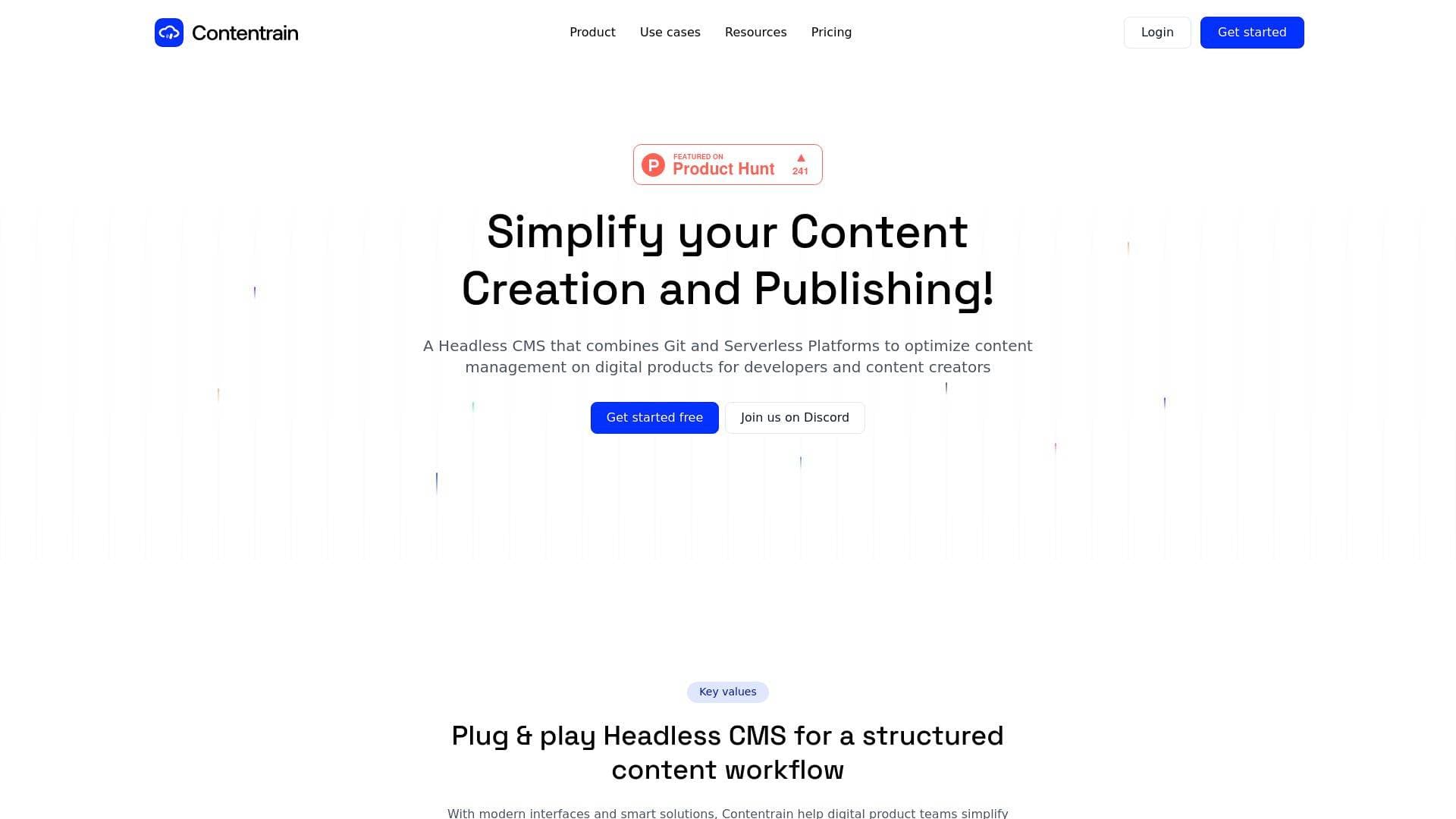
Contentrain is a headless CMS that combines Git and Serverless platforms to simplify content creation, publishing, and collaboration for creators and developers.
What is Contentrain? A Content Creator's Guide
Contentrain is a headless CMS platform built to simplify content creation and publishing by combining Git-based version control with Serverless platforms. Designed for both developers and content creators, it bridges the gap between technical infrastructure and everyday content management workflows. The core problem it solves is a familiar one: content teams needing to create, edit, and publish without constantly relying on developer support. Contentrain acts as a content layer within a project's development structure, syncing published content automatically to the frontend once it hits a Git or Serverless platform. For bloggers, content agencies, and digital creators managing websites or knowledge bases, this means full control over content without touching code. The platform has grown from a small admin panel into a full-scale headless CMS, now used by more than 1,000 users since its first release, and has since evolved into Contentrain 2.0 with the ability to manage both static and dynamic data.
Contentrain Features That Matter for Content Creators
-
Markdown and Rich Text Editor: Contentrain offers a clean, minimal content editing interface that supports both Markdown and rich text formats. This gives creators the flexibility to write in whichever format suits their workflow, whether they're managing a technical blog or a marketing site.
-
Git Version Control for Content History: Every piece of content is tracked through a native Git version control system, allowing creators to review and restore historical content at any time without leaving the platform. This is particularly useful for bloggers and content teams who need to audit changes or roll back edits.
-
Multilingual Content Support: Creators can produce, edit, and publish content in multiple languages without any technical assistance. The Developer plan supports up to 2 locales per project, the Lite plan supports up to 4 (default + 3), and the Professional plan supports up to 6 (default + 5), making it a practical tool for creators targeting international audiences.
-
SEO Content Control: Full control over meta titles, meta descriptions, and OG images is built directly into the platform. Content teams can manage all SEO assets independently, without needing a developer to update metadata on every post or page.
-
Serverless Collections: Contentrain's Serverless Collections feature allows creators and developers to store and manage dynamic content without API or bandwidth constraints. This is a major upgrade for content-heavy websites that need real-time scalability.
-
Assets Manager: A built-in asset library handles uploads and organization of digital files including SVG, PNG, PDF, JPEG, and video formats. Creators can access and manage all media assets in one organized location, keeping content production workflows tidy.
-
Custom Roles and Permissions: Granular role management lets project owners assign precise access levels, including view, edit, and manage permissions. Whether working solo or with a larger content team, creators can control exactly who touches what.
-
No-Code Content Schema Builder: A low-code schema builder lets developers design content models with just a few clicks, removing the need for manual configuration. This means content creators can start publishing faster once the structure is set up.
-
Webhooks: Contentrain supports in-app webhooks that connect to third-party marketing tools and trigger automations. The Lite plan includes 1 webhook, the Professional plan includes 3, and Enterprise offers unlimited webhooks.
-
Content Activities and Releases: Every project action is tracked through the Activities feature, giving content teams full oversight of changes, edits, and releases. This is especially helpful for teams managing multiple contributors or publishing schedules.
-
Scheduled Content: Scheduled content publishing is available across plans, allowing creators to plan and automate when content goes live without manual intervention.
-
Workspaces: Contentrain provides unlimited workspaces across all plans, making it easy to group different projects and clients into separate environments. This is ideal for content agencies or freelance creators juggling multiple brands or websites.
Which Content Creators Should Use Contentrain?
Contentrain is built for creators who need more than a basic blogging tool but don't want to be locked into complex development workflows. It's particularly well-suited for creators who work alongside developers or manage content for websites built on modern frontend frameworks. Both solo creators and larger content teams can benefit from its flexible role system and collaborative features.
Primary creator types:
- Bloggers and writers managing personal blogs or knowledge bases who want full SEO control and a clean writing interface
- Content agencies handling multiple client websites who need workspaces, custom roles, and team collaboration tools
- Solo developers who also produce content and want a Git-native CMS that fits their existing workflow
- Multilingual content creators publishing to international audiences across multiple languages
- Digital product teams where developers and content creators need to work in the same environment without friction
- Open-source contributors who can use the Forked Projects feature to contribute to open-source projects without coding skills
Experience level: Contentrain caters to both beginners (with its no-code schema builder and clean editor) and technically experienced creators who want Git-based control over their content pipeline.
Team size: The platform scales from solo creators on the free Developer plan all the way to large teams on the Enterprise plan with unlimited users, collaborators, and custom SLAs.
Specific use cases:
- Publishing and managing a marketing website or personal blog independently
- Creating multilingual content for global audiences without developer involvement
- Managing SEO metadata directly from the CMS without back-and-forth with a dev team
- Tracking content history and reverting to previous versions using Git
- Organizing media assets (images, PDFs, videos) in a centralized library
- Automating content workflows with webhooks connected to marketing tools
- Collaborating with a content team using custom roles and permissions
- Contributing to open-source projects via the Forked Projects feature
Getting Started with Contentrain
- Sign up for free: The Developer plan is free with no credit card required, supporting unlimited public projects and up to 2 locales per project.
- Set up your content schema: Use the no-code Content Schema Builder to design your content models in a few clicks, defining the structure for blog posts, landing pages, or any other content type.
- Connect your Git or Serverless platform: Contentrain works as a content layer that syncs directly to your Git repository or Serverless platform, which then pushes content to your frontend automatically.
- Start creating content: Use the Markdown or Rich Text editor to write and publish content, manage SEO fields, upload assets, and set up multilingual versions as needed.
- Invite your team: Assign custom roles and permissions to collaborators, set up webhooks for marketing automations, and use the Activities tracker to monitor all content changes.
Contentrain FAQ for Content Creators
Is Contentrain free to use? Contentrain offers a free Developer plan that requires no credit card. It supports unlimited public projects, community projects and models, Discord community support, and up to 2 locales per project.
What pricing plans are available? There are four plans: Developer ($0/month), Lite ($79/month), Professional ($239/month), and Enterprise (custom pricing). An annual billing option saves 25% compared to monthly billing. The Professional plan also includes a 14-day free trial.
Can content creators publish without developer help? Yes. The platform is specifically designed so that content teams can create, edit, schedule, and publish website content or blog posts using the built-in editor without requiring developer support.
Does Contentrain support multilingual content? Multilingual publishing is supported across all paid plans. The Developer plan supports up to 2 locales, Lite supports up to 4, and Professional supports up to 6 languages per project.
What file types does the Assets Manager support? The built-in Assets Manager supports SVG, PNG, PDF, JPEG, and video file formats, all organized in a central library for quick access during content production.
Does Contentrain support content scheduling? Scheduled content is listed as a feature available within the platform, allowing creators to plan publication timing without manual publishing steps.
Is there community or customer support available? All plans include Discord community support. The Professional plan adds email support with a 48-hour response time, while Enterprise customers receive live support.
The Verdict: Is Contentrain Worth It for Content Creators?
Contentrain is a strong fit for content creators who manage websites or digital products and want genuine independence from their development team. The combination of a clean writing interface, built-in SEO controls, Git-based version history, and multilingual publishing covers most of what a serious blogger, content agency, or digital creator needs day-to-day. The free Developer plan is a genuinely useful starting point for solo creators working on public projects, while the Lite and Professional plans unlock private repositories, serverless collections, assets management, and more robust team collaboration tools. The main consideration is that Contentrain is most powerful when paired with a frontend framework, so creators without any technical setup may need initial developer help to get the content pipeline running. For those already working within a modern web development workflow, Contentrain delivers a well-structured, scalable content management experience that keeps creators in control of their content without requiring them to touch code on a daily basis.
Details
One link. Every channel, rate, and piece of work brands need to evaluate you. Built for how creators actually get hired.
Claim your profile
Live creator, content, and marketing roles from real companies, with the pay, market, and context the raw job page never gives you.
Browse jobs

 Post Bridge