
Colossyan
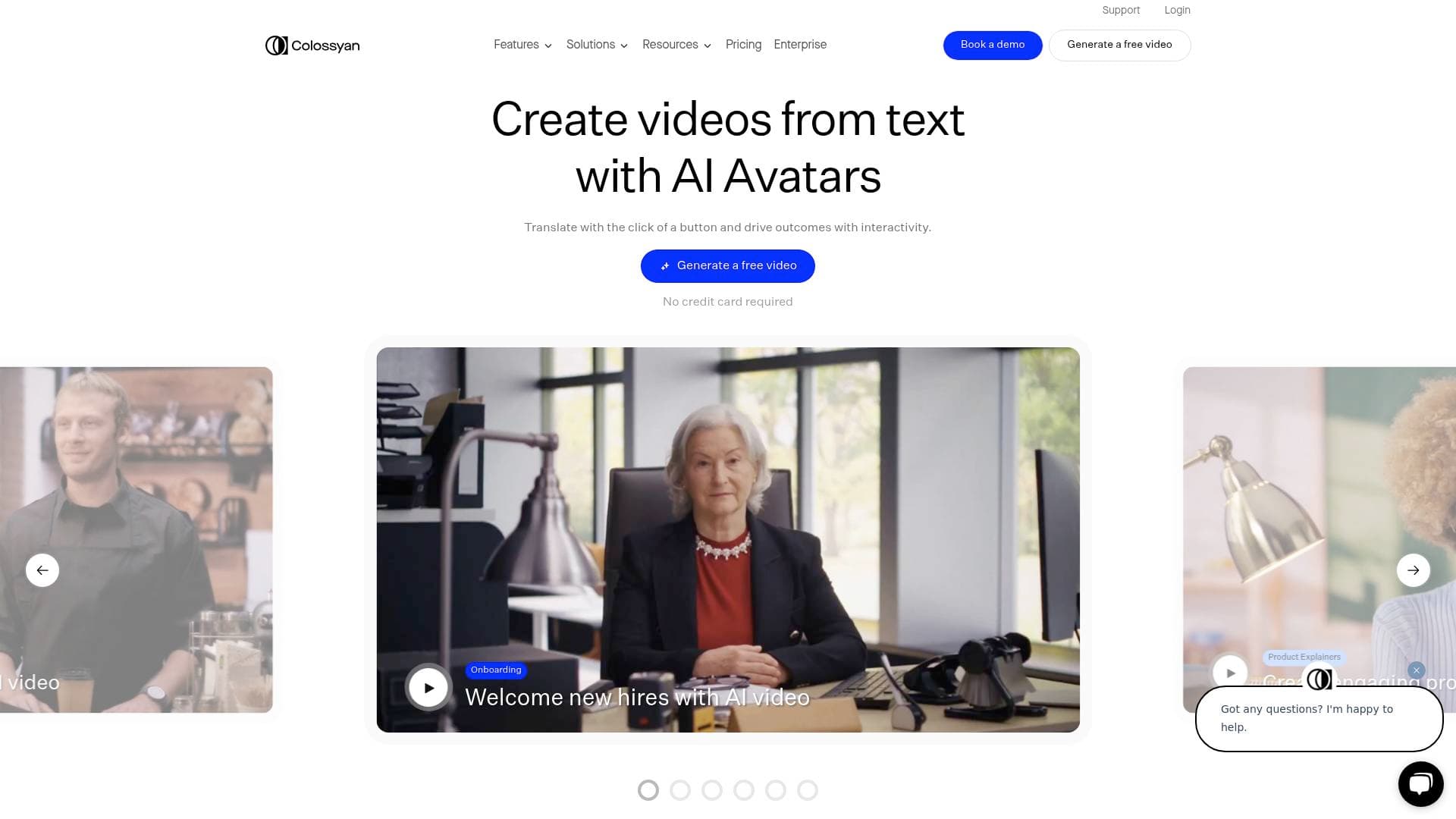
Colossyan Creator is an AI video generation platform that turns documents, scripts, and ideas into presenter-led training and explainer videos with AI avatars in 100+ languages.
What is Colossyan Creator? A Content Creator's Guide
Colossyan Creator is an AI video generation platform built to transform written knowledge into polished, presenter-led videos without cameras, actors, or complex production workflows. The core problem it solves is a familiar one for creators: video production is expensive, time-consuming, and falls apart the moment content needs updating. Colossyan tackles this with a full video creation workflow that goes from script or document to finished video in minutes. The platform supports over 300 AI avatars and voiceovers, localization into 100+ languages, interactive elements like quizzes and branching scenarios, and SCORM export for LMS delivery. Creators can build not just standalone videos but complete structured training programs through Colossyan Learn, all within a single workflow. What separates this AI video tool from simpler text-to-video generators is the depth of the production pipeline: brand customization, voice cloning, custom pronunciation tools, analytics, and versioning are all baked in. It holds a 4.6 rating from 450+ reviews on G2, with users reporting up to 90% reductions in video production time and cost savings of around 80%.
Colossyan Creator Features That Matter for Content Creators
-
300+ AI Avatars and Voiceovers: The platform includes over 300 diverse AI avatars that serve as realistic on-screen presenters, eliminating the need to appear on camera. Creators can select from a wide range of avatar styles, or create an Instant Avatar of themselves using just a phone or camera recording in under a minute.
-
Document-to-Video Conversion: One of the most practical features for content creators is the ability to upload PDFs, PowerPoint presentations, or Word documents and have the platform automatically generate a structured video with scenes, narration, and visuals. This turns existing written content into video assets without starting from scratch.
-
Voice Cloning and Custom Pronunciations: Creators can clone their own voice or a presenter's voice for consistent delivery across all videos. The Pronunciations tool ensures that product names, brand terms, or technical jargon are spoken correctly every time, which is particularly valuable for tutorial and explainer content.
-
Instant Translation into 100+ Languages: Colossyan's translation feature converts a finished video into over 80 languages, keeping the script, captions, and interactive elements synchronized. This allows creators producing educational or instructional content to reach global audiences without rebuilding videos from scratch for each language.
-
Interactive Video Elements: The platform supports branching scenarios and multiple-choice quizzes directly inside videos. This turns passive viewing into active engagement, which is especially useful for tutorial creators, course builders, and anyone producing content where comprehension matters.
-
SCORM Export and Analytics: Videos can be exported as SCORM 1.2 or SCORM 2004 files for LMS delivery, with pass marks and quiz tracking built in. The analytics panel tracks viewer watch time, quiz scores, and engagement at the individual user level, giving creators concrete data on what content is working.
-
Brand Kit and Pre-Built Templates: Creators can apply custom fonts, colors, and logos through a Brand Kit so every video looks consistent from the first draft. Pre-built templates handle the design layer, meaning creators work at the content level rather than spending time on visual formatting.
-
Screen Recording: Built-in screen recording lets creators capture software walkthroughs and product demos directly inside the platform, then sync those recordings with avatar narration using animation markers. This is particularly useful for tutorial creators and educators producing how-to content.
-
Colossyan API with Zapier Integration: The platform includes an API that connects with 5,000+ apps through Zapier, allowing creators to automate video generation triggered by form submissions, CRM updates, or other workflow events without writing code. The API supports the same full feature set as the visual editor, including avatars, voice cloning, translations, and personalization variables.
-
Versioning Without Re-Recording: Content can be updated and evolved over time without rebuilding or re-recording entire videos. This is a significant advantage for creators whose content changes frequently, such as those producing tutorials for software that gets regular updates.
Which Content Creators Should Use Colossyan Creator?
Colossyan Creator is best suited for creators who produce educational, instructional, or explainer video content at scale and want to eliminate the friction of traditional video production. It works well for both solo creators and teams, with collaboration and workspace management features that support multiple contributors. No video editing or instructional design experience is required.
Primary creator types:
- Course creators and educators who want to build structured video courses with quizzes, branching scenarios, and LMS delivery without filming
- Tutorial and how-to creators who need to produce software walkthroughs using screen recording paired with AI avatar narration
- YouTubers and explainer video producers who want to create polished presenter-led content without appearing on camera
- Multilingual content creators who need to reach audiences in multiple languages without producing separate videos for each market
- Podcast hosts and bloggers looking to repurpose written or audio content into video format quickly
- Newsletter writers who want to convert long-form written content into short explainer videos for their audience
Specific use cases content creators will find valuable:
- Converting a blog post or article into a structured explainer video using the document-to-video feature
- Building a multi-lesson video course with interactive quizzes and a defined pass mark
- Creating product explainer videos with an AI avatar, voiceover, and on-screen visuals from a written script
- Producing tutorial content with screen recordings synced to avatar narration
- Spinning out translated versions of a video for Spanish, German, or other language audiences in one workflow
- Creating a personal Instant Avatar for consistent on-screen presence without repeated filming sessions
- Updating existing video content when information changes, without re-recording everything
Getting Started with Colossyan Creator
- Sign up for a free account: A free Starter tier is available with core creation features and no credit card required. Access the platform and explore the editor before committing to a paid plan.
- Import your source material: Upload a PDF, PowerPoint, or document through the Doc to Video or PPT/PDF Import feature. Colossyan breaks the content into scenes and drafts an initial script automatically.
- Choose or create your avatar: Select from 300+ pre-built AI avatars or record an Instant Avatar of yourself using a phone or camera. Apply voice cloning if consistent delivery in your own voice is important.
- Apply your Brand Kit: Set custom fonts, colors, and logos so the video looks on-brand from the start. Choose from pre-built templates to handle the visual design layer.
- Add interactive elements and export: Insert quizzes or branching scenarios for engagement, preview the video scene by scene, then export in your preferred format. Use Instant Translation to generate language variants before publishing.
Colossyan Creator FAQ for Content Creators
What is Colossyan Creator? Colossyan Creator is an AI platform that turns documents, scripts, and existing knowledge into presenter-led training and explainer videos. It handles video creation, course structure, interactivity, localization, and delivery in one place.
Do I need video production or design skills to use it? No. The platform is built for users without specialized production skills. Pre-built templates handle the design, and the document-to-video feature generates scene structure automatically from uploaded content.
How many languages does Colossyan support? The platform supports translation into 100+ languages. The Instant Translation feature converts a finished video's script, captions, and interactive elements simultaneously, keeping everything in sync across language versions.
Is there a free plan available? Yes. There is a free Starter tier with core creation features included. Business plans scale with video minutes and collaboration needs, while Enterprise plans add governance, SSO, dedicated support, and custom avatar creation. All paid plans include access to Colossyan Learn.
Can I create my own avatar? Yes. Creators can record an Instant Avatar in under a minute using a phone or camera. Custom avatars can also be created via the API with a single request.
Does Colossyan support SCORM export for course platforms? Yes. The platform supports direct SCORM 1.2 and SCORM 2004 export with configurable pass marks and analytics tracking, making it compatible with most LMS platforms.
What kind of analytics does the platform provide? The analytics panel tracks play counts, watch time, quiz scores, and engagement data at the individual viewer level. This data helps creators identify which scenes need improvement and whether learners are retaining the content.
The Verdict: Is Colossyan Creator Worth It for Content Creators?
For content creators who produce educational, instructional, or explainer video content regularly, Colossyan Creator offers a genuinely complete video production workflow in a single platform. The combination of document-to-video conversion, 300+ AI avatars, voice cloning, 100+ language translation, interactive elements, and detailed analytics addresses nearly every stage of the video creation process. The ability to update content without re-recording is a practical advantage that most video tools simply do not offer.
The platform is best suited for course creators, tutorial producers, and educators who want to scale their video output without scaling their production budget. Solo creators benefit from the Instant Avatar feature and template library, while teams benefit from the collaboration, brand kit, and workspace management tools.
The main consideration is that Colossyan Creator is primarily designed for structured, presenter-led content rather than highly stylized or cinematic video production. Creators looking for animation-heavy or social-first short-form content may find the tool more focused on depth than visual flair. That said, for anyone building a library of educational or instructional video content at scale, the reported 90% reduction in production time and 80% cost savings make a strong case for the platform's value.
Details
One link. Every channel, rate, and piece of work brands need to evaluate you. Built for how creators actually get hired.
Claim your profile
Live creator, content, and marketing roles from real companies, with the pay, market, and context the raw job page never gives you.
Browse jobs

 Post Bridge