

Clips FM
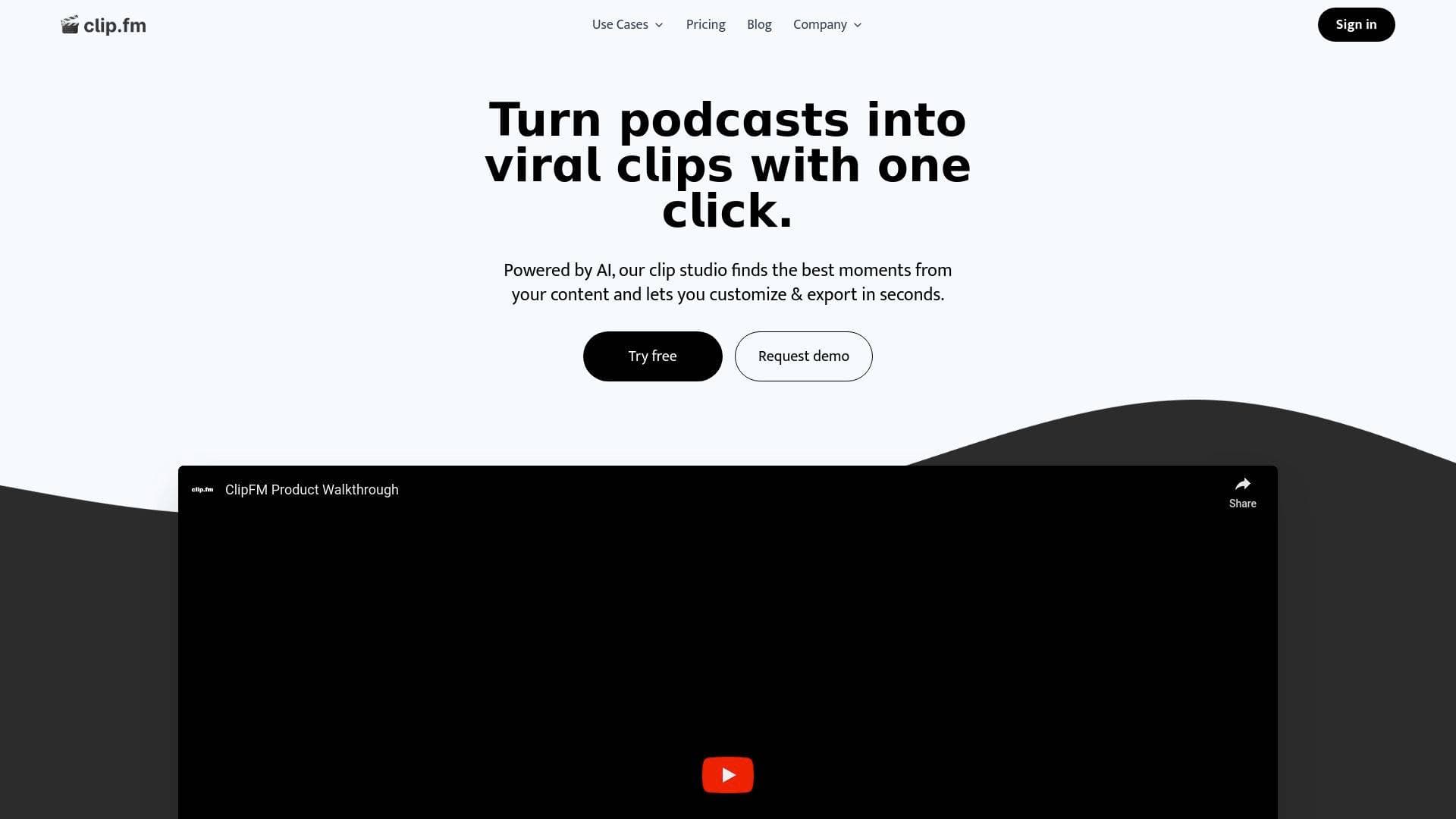
ClipFM is an AI-powered video clipping tool that automatically finds the best moments from podcasts and long-form videos and turns them into ready-to-post short clips for social media.
What is ClipFM? A Content Creator's Guide
Long-form video is a goldmine — but mining it manually is exhausting. ClipFM is an AI-powered video clipping tool built specifically for content creators who want to repurpose podcasts, interviews, and long-form videos into short, social-ready clips without spending hours in an editing timeline. The core problem it solves is simple but significant: most creators produce hours of valuable content that never gets a second life on platforms like TikTok, Instagram Reels, or YouTube Shorts. ClipFM's AI analyzes speech patterns, engagement signals, and viral trends to automatically identify the most compelling moments, then delivers ready-to-post clips within minutes. The platform supports MP4, MOV, and AVI formats, handles files up to 10GB, and renders up to 4K resolution, making it capable of handling professional-grade content creation workflows. It exports clips optimized for six major platforms — TikTok, Instagram, YouTube Shorts, X/Twitter, LinkedIn, and Facebook — each with correct dimensions and duration limits baked in. Founded in November 2022 by Cole and Cam, ClipFM launched publicly at the Podcast Movement Evolutions event in Las Vegas in March 2023 and has since grown to serve over 1 million content creators. For podcasters and video creators drowning in raw footage, it functions like having a dedicated clip editor on call around the clock.
ClipFM Features That Matter for Content Creators
-
AI Viral Moment Detection: The platform's AI doesn't just cut random segments — it analyzes speech patterns, engagement signals, and viral trends to assign a virality score to each potential clip. This means creators get data-backed clip selections rather than guesswork, which is especially valuable for podcasters who record hours of conversation and need to know which 60 seconds will actually perform.
-
Auto-Captioning: ClipFM automatically generates captions for every clip. Creators who have tested the feature report it as "scary accurate," which matters enormously for short-form content where captions drive retention on muted autoplay feeds across TikTok and Instagram.
-
Emotion Detection and Hook Analysis: Beyond just transcribing speech, the AI evaluates emotional peaks and hook strength within the content. This helps surface moments that grab attention in the first few seconds — a critical factor for short-form video performance on every major platform.
-
Multi-Platform Export with Auto-Resize: Clips are automatically formatted for six platforms: TikTok (9:16, up to 60 seconds), Instagram (9:16, up to 90 seconds), YouTube Shorts (9:16, up to 60 seconds), X/Twitter (16:9, up to 2 minutes 20 seconds), LinkedIn (1:1, up to 10 minutes), and Facebook (various formats, up to 240 minutes). Creators don't need to manually reformat anything — the correct dimensions are applied automatically for each destination.
-
Animated Captions: Beyond static subtitles, ClipFM adds animated captions to clips, giving them the polished, professional look that performs well on short-form platforms without requiring any motion graphics skills from the creator.
-
Custom Branding: Creators can apply custom branding to their clips, which is particularly useful for podcasters and video creators who want consistent visual identity across all their social content without manual design work each time.
-
Batch Upload: The platform supports batch uploading, allowing creators to process multiple videos at once. For agencies, podcast studios, or prolific creators publishing multiple episodes per week, this significantly compresses the content production timeline.
-
Large File Support up to 10GB: ClipFM accepts files up to 10GB in size, supporting up to 4K resolution source footage. This means creators working with high-quality camera setups or professional recording rigs don't need to compress or downgrade their source files before uploading.
-
Unlimited Exports: Both the Starter and Pro plans include unlimited exports, so creators aren't penalized for producing high volumes of clips. The only constraint across plans is the monthly video processing time allotment, not the number of clips downloaded.
-
API Access (Business Plan): For agencies or technically inclined creators managing large content operations, the Business plan includes API access and integrations, enabling custom workflows and automation beyond what the standard interface provides.
Which Content Creators Should Use ClipFM?
ClipFM is built for creators who produce long-form content and want to maximize its reach without multiplying their editing workload. It's particularly well-suited to anyone who records more than they can realistically clip by hand each week. The platform is accessible enough for solo creators with no editing background, yet powerful enough for professional podcast studios and content agencies managing multiple shows.
- Primary creator types: Podcasters, video interviewers, YouTube creators, TikTokers repurposing long content, Instagram Reels creators, LinkedIn video publishers, and content agencies managing multiple clients.
- Experience level: Beginner-friendly by design — the three-step workflow (upload, AI analysis, export) requires no editing knowledge. Advanced creators benefit from the virality scoring and emotion detection features.
- Team size: Works for solo creators as well as teams. The Business plan with API access and a dedicated account manager is tailored for larger operations like podcast studios and agencies.
- Specific use cases:
- A podcaster with 2-hour weekly episodes who needs a week's worth of TikTok and Reels content without manual editing
- A YouTube creator wanting to repurpose long interviews into YouTube Shorts automatically
- A content agency managing multiple podcast clients and needing batch processing to stay efficient
- A solo creator who previously outsourced clip editing at high cost and wants to bring it in-house affordably
- A LinkedIn creator turning long video content into square-format professional clips
- An interview-format creator who wants AI to identify emotionally resonant moments they might have missed
- A video editor looking to deliver more value to clients by adding clip repurposing to their service offering
- A creator building a cross-platform presence who needs clips formatted correctly for six different platforms simultaneously
Getting Started with ClipFM
- Start a free trial: ClipFM offers a 7-day free trial with no commitment required, and subscriptions can be cancelled at any time.
- Upload your video: Drag and drop your podcast episode, interview, or long-form video directly into the platform. Supported formats include MP4, MOV, and AVI, with files up to 10GB accepted and up to 4K resolution supported. Batch upload is available for processing multiple videos at once.
- Let the AI analyze your content: The AI scans the video for speech patterns, emotional peaks, hook strength, and viral signals, then generates clips with a virality score attached to each one.
- Review and export: Select the clips to export, choose the target platforms, and download finished clips complete with animated captions, auto-resized dimensions, and optional custom branding applied.
ClipFM FAQ for Content Creators
What video formats does ClipFM support? ClipFM accepts MP4, MOV, and AVI files. It supports source footage up to 4K resolution and handles files as large as 10GB, so creators working with high-quality camera setups don't need to compress their footage before uploading.
Which social media platforms does ClipFM export for? Clips are formatted and exported for TikTok, Instagram, YouTube Shorts, X/Twitter, LinkedIn, and Facebook. Each export uses the correct aspect ratio and maximum duration for that platform automatically.
Is there a free trial available? Yes, ClipFM offers a 7-day free trial. Subscriptions can be cancelled at any time, and access to paid features continues until the end of the current billing period after cancellation.
What are the pricing plan differences? The Starter plan costs $10 per month and includes 150 minutes of video processing, basic AI clip generation, standard video quality, up to 1080p rendering, unlimited exports, and email support. The Pro plan is $18 per month (or $9 per month billed annually at $108 per year) and includes 300 minutes of processing, unlimited exports, and up to 1080p resolution. The Business plan is custom-priced and adds unlimited video processing, priority queue, custom AI model training, advanced analytics, API access, a dedicated account manager, 24/7 priority support, and custom branding options.
Can creators upgrade or downgrade their plan? Yes, plan changes can be made at any time and take effect on the next billing cycle.
What payment methods are accepted? ClipFM accepts all major credit cards, debit cards, and PayPal. Business plan customers can also pay by invoice.
How accurate is the auto-captioning? Creators who have used the feature describe the accuracy as "scary accurate," making it reliable enough to use without heavy manual correction for most content types.
The Verdict: Is ClipFM Worth It for Content Creators?
For podcasters and long-form video creators, ClipFM addresses one of the most time-consuming parts of a modern content strategy: turning a single recording session into a week's worth of short-form social content. The AI-driven clip selection, virality scoring, emotion detection, and automatic multi-platform formatting combine into a workflow that genuinely compresses what used to take 10+ hours per week into roughly 30 minutes, based on real creator experiences reported with the tool.
The Starter plan at $10 per month is a low-risk entry point for solo creators, while the Pro plan's annual pricing at $9 per month makes it one of the more affordable AI video clipping tools for creators who publish consistently. The Business plan's unlimited processing and API access make it a credible option for agencies and podcast studios managing high content volumes.
The main constraint to be aware of is the monthly processing time cap on Starter and Pro plans (150 and 300 minutes respectively). Creators with very high output volumes may hit those limits and need to plan accordingly or opt for the Business plan. Overall, ClipFM is a strong fit for any creator whose content strategy depends on short-form video distribution but whose editing bandwidth doesn't match their recording output.
Details
One link. Every channel, rate, and piece of work brands need to evaluate you. Built for how creators actually get hired.
Claim your profile
Live creator, content, and marketing roles from real companies, with the pay, market, and context the raw job page never gives you.
Browse jobs

 Post Bridge