

Cap Cut
CapCut is a free AI-powered video editing tool for content creators, offering smart templates, auto captions, text-to-speech, and AI video generation for YouTube, Instagram, and TikTok.
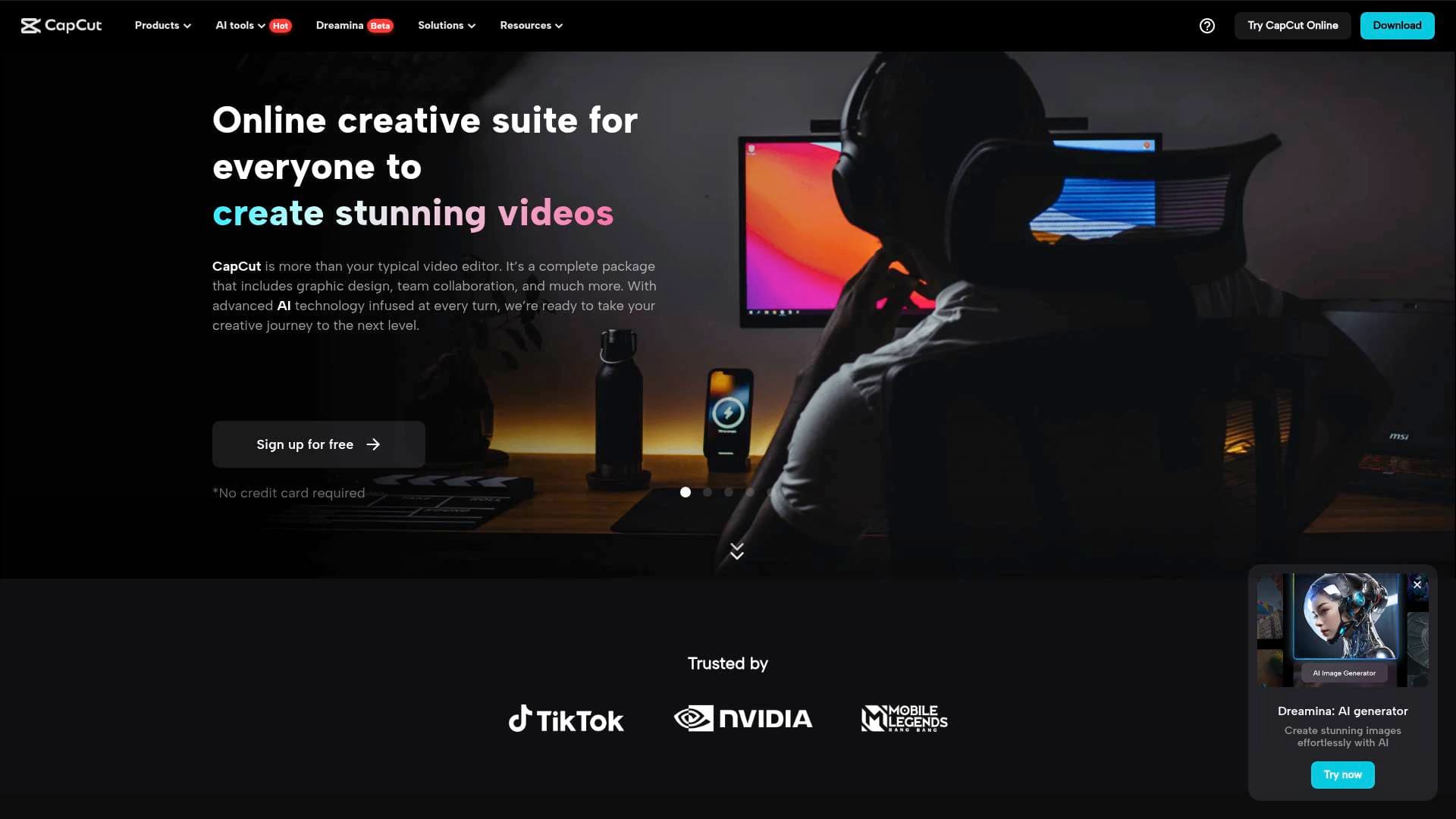
What is CapCut? A Content Creator's Complete Guide
CapCut is a free AI-powered video editing tool built specifically to help creators produce trending content for YouTube, Instagram, TikTok, and beyond. The core problem it solves is simple: professional-quality video production has historically required expensive software, technical skills, and hours of manual work. CapCut collapses that entire workflow into a single platform where creators can go from raw footage to a polished, ready-to-post video in minutes. The video editing tool runs on desktop, mobile, and directly in the browser, giving creators total flexibility in how and where they work. What sets it apart from traditional editing software is the depth of its AI integration — not just one or two smart features, but an entire suite covering captions, voiceovers, noise reduction, background removal, video stabilization, and even full video generation from text prompts. With over 100 million downloads, a 4.7 App Store rating, and support for 20 languages, CapCut has clearly found its audience among creators who need speed without sacrificing quality. New desktop users also get a free 7-day Pro trial, making it easy to explore the full feature set before committing.
CapCut Features That Matter for Content Creators
-
AI Video Studio: A conversational AI interface that builds a complete video from scratch — style, avatar, structure, and all — based on a simple chat prompt. For creators who hit creative blocks or need to produce content at scale, this feature dramatically reduces the time from idea to finished video.
-
AI Video Generator: Creators can turn text descriptions, still images, or keyframes into full videos automatically. This opens up entirely new content formats, particularly for creators who want cinematic visuals without access to a camera crew or advanced motion graphics skills.
-
AI Caption Generator with Filler Word Removal: CapCut's caption tool doesn't just transcribe — it automatically removes filler words like "um" and "uh" during transcription. The result is cleaner, more professional-sounding content without any manual editing of the transcript.
-
Bilingual Captions: Captions can be generated in multiple languages simultaneously, displaying bilingual subtitles in a single video. For creators targeting international audiences or building reach across language barriers, this is a practical tool for audience growth without additional production effort.
-
100+ Caption Templates: Rather than plain white text, creators can choose from over 100 styled caption templates covering categories like music and gaming. This keeps subtitles on-brand and visually engaging, which matters especially for Reels and Shorts where text style contributes to viewer retention.
-
Text to Speech with Custom Voices: CapCut converts any written text into natural-sounding voiceovers in seconds. Creators can also record their own voice once and use it as a persistent custom voice across future projects — a huge time-saver for channels that rely heavily on narration.
-
Voice Enhancement and Noise Reduction: The platform includes broadcast-quality voice enhancement and background noise reduction tools. Creators shooting in imperfect environments (home studios, outdoor locations) can restore audio quality without needing external software or professional audio gear.
-
One-Click Background Removal: Both video and image backgrounds can be removed with a single click, delivering clean cutouts every time. This is particularly useful for green screen-style content, product showcases, or any creator who wants to place themselves in custom environments.
-
Video Stabilization: Shaky handheld footage gets smoothed out automatically using intelligent stabilization. Travel vloggers, action content creators, and anyone shooting on the go can salvage footage that would otherwise be unusable.
-
One-Click Video Upscaler: Low-quality or older footage can be enhanced to look like it was shot on a professional camera with a single click. This is valuable for creators repurposing archival content or working with footage from lower-spec devices.
-
Image-to-Video AI Generator: Still photos can be animated into dynamic, cinematic video sequences. The tool auto-generates transitions, pacing, scripts, and AI voiceovers from uploaded images — ideal for event recaps, portfolio videos, social media content, and digital art displays.
-
Massive Creative Asset Library: The platform includes thousands of sound effects, a large library of video effects, cinematic transitions, and a full filter collection. Creators working on Reels, Shorts, or TikToks can find platform-specific assets without leaving the editor.
Which Content Creators Should Use CapCut?
CapCut is built for creators at every level, from complete beginners posting their first TikTok to experienced YouTubers managing high-volume content calendars. Its free tier covers a wide range of professional-grade features, and the interface is designed to be approachable without sacrificing depth. Solo creators benefit most from the AI automation tools, while creators managing larger content operations will appreciate the template library and batch-friendly workflows.
Primary creator types:
- Short-form video creators (TikTokers, Reels creators, YouTube Shorts producers) who need fast turnaround and platform-optimized formats
- YouTube vloggers and travel creators who shoot handheld footage and need stabilization, noise reduction, and quick assembly tools
- Podcasters and narration-heavy creators who can use the text-to-speech and custom voice features to produce voiceovers without re-recording
- Multilingual or international creators who want to reach global audiences using bilingual caption generation
- Freelance content creators building social media portfolios and engagement content for clients
- Digital artists who want to animate static artwork into video reels using the image-to-video AI tool
- Beginner creators with no editing experience who can rely on AI automation to handle transitions, scripts, and voiceovers automatically
Specific use cases:
- Turning a batch of travel photos into a narrated video recap with auto-generated script and AI voiceover
- Creating a YouTube video with clean, styled captions without manually transcribing or editing filler words
- Producing TikTok content using trending templates without starting from a blank timeline
- Building a social media engagement post with AI-generated visuals and on-brand layouts
- Repurposing old or low-quality footage using the one-click video upscaler
- Generating a custom background for a vlog using the AI image generator
- Removing backgrounds from product shots or on-camera footage for cleaner compositions
Getting Started with CapCut
-
Download or open CapCut: Install the desktop app (available for free with a 7-day Pro trial for new users) or access the editor directly in the browser at capcut.com — no credit card required.
-
Sign in and choose a starting point: Log in using a TikTok, Facebook, or Google account. From there, choose to start from scratch or select from the template library, which includes social media-specific formats including TikTok and Instagram dimensions.
-
Customize your video: Use the full editing suite to trim, merge, cut, and add creative elements. Apply keyframe effects, speed controls, captions, voiceovers, filters, and transitions as needed.
-
Export and share: Once editing is complete, export the video to your device without watermarks. CapCut also offers free cloud storage to save projects for later. Export settings include quality, resolution, and frame rate adjustments before final download.
CapCut FAQ for Content Creators
Is CapCut free to use? CapCut has a solid free tier that covers most core editing and AI features, including video generation, captions, text-to-speech, background removal, and export without watermarks. New desktop users receive a free 7-day Pro trial, and upgrading to Pro unlocks additional capabilities beyond the free plan.
Does CapCut add watermarks to exported videos? No — videos exported from CapCut do not include watermarks, making it suitable for professional content, client work, and monetized channels.
Can CapCut generate videos from text or images? Yes. The AI video generator can create videos from text prompts, still images, or keyframes. The image-to-video tool specifically animates uploaded photos into dynamic video sequences with auto-generated scripts, transitions, and voiceovers.
What platforms is CapCut available on? CapCut is available as a desktop application, a mobile app, and as a browser-based online editor, giving creators flexibility to work across devices.
Does CapCut support multiple languages for captions? Yes. The bilingual caption feature generates captions in multiple languages and can display two languages simultaneously in a single video, which is useful for creators targeting international audiences.
What export formats does CapCut support? Videos can be exported in MP4 format with customizable settings including resolution, frame rate, and aspect ratio. These settings can be adjusted to match the requirements of specific platforms like YouTube, Instagram, or TikTok.
How many caption templates are available? CapCut includes over 100 caption style templates covering categories like music, gaming, and more, allowing creators to match their subtitle aesthetic to their content brand.
The Verdict: Is CapCut Worth It for Content Creators?
For short-form video creators, vloggers, and anyone producing content at a regular cadence, CapCut delivers an unusually complete toolkit at no cost. The combination of AI video generation, automatic caption creation with filler word removal, bilingual subtitle support, voice enhancement, and one-click background removal covers the most time-consuming parts of a typical content creation workflow. The image-to-video AI tool is a standout for creators who work heavily with photography or want to animate static assets without learning motion graphics software. The 100+ caption templates and massive effects library make it particularly strong for short-form platforms like TikTok, Instagram Reels, and YouTube Shorts. The main consideration is that some advanced Pro features sit behind an upgrade, though the free tier is genuinely capable for most creators. With 100 million downloads, a 4.7 App Store rating, and support across desktop, mobile, and browser, CapCut is a well-rounded video editing platform that punches well above its price point for content creators at every level.
Details
One link. Every channel, rate, and piece of work brands need to evaluate you. Built for how creators actually get hired.
Claim your profile
Live creator, content, and marketing roles from real companies, with the pay, market, and context the raw job page never gives you.
Browse jobs

 Post Bridge