

Moo Bot
Moo Bot is a Twitch chat bot that helps streamers boost viewer engagement and mod productivity through built-in and custom chat commands.
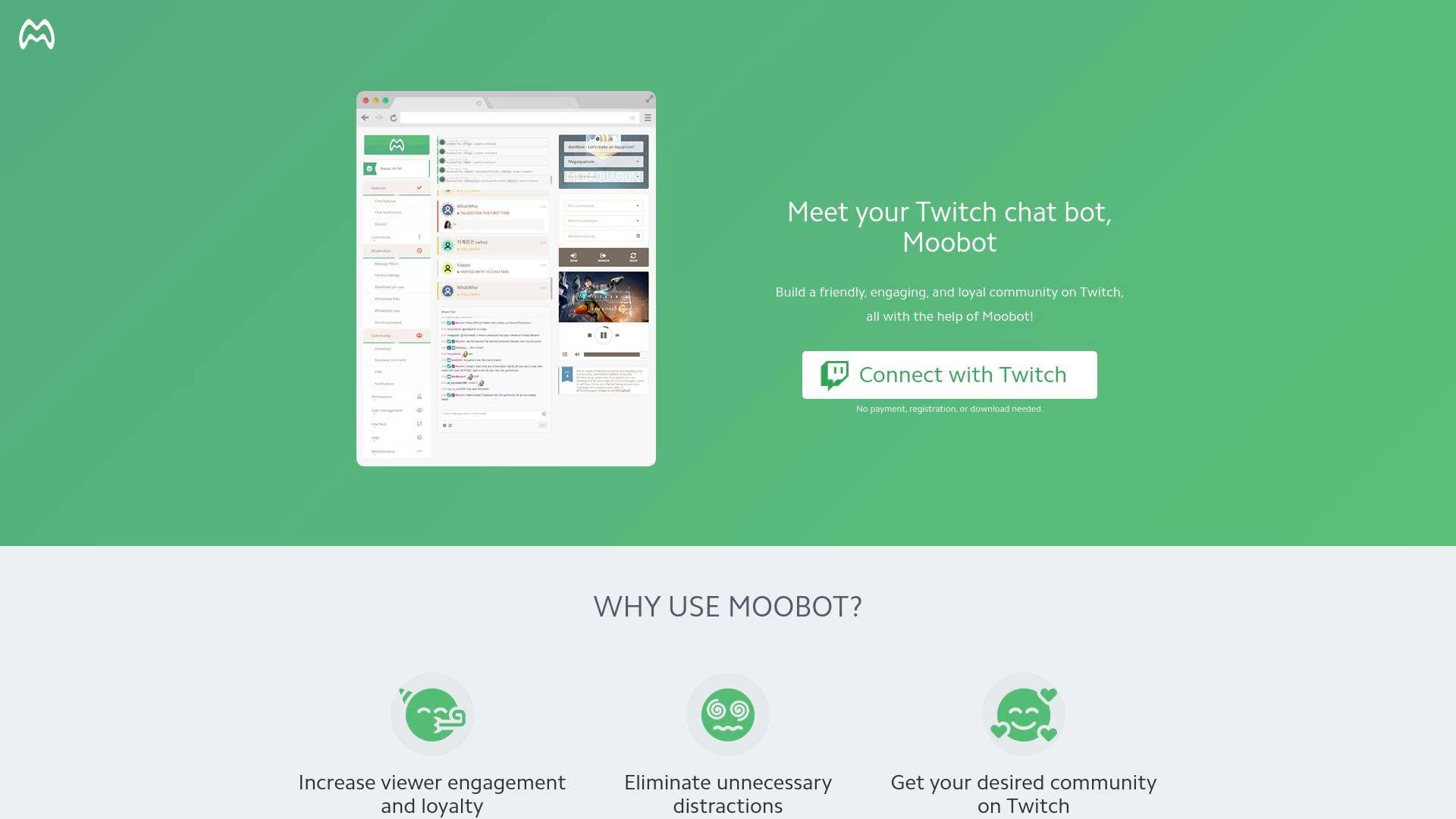
What is Moo Bot? A Twitch Streamer's Complete Guide
Moo Bot is a Twitch chat bot built specifically for streamers who want to boost viewer engagement and increase the productivity of their moderation team without constantly babysitting their chat. Managing a live stream is already a full-time job, and keeping up with chat commands, shoutouts, ads, and viewer interactions while also entertaining an audience is genuinely difficult. Moo Bot solves this by providing a suite of built-in chat commands that handle the repetitive, time-consuming tasks automatically. The platform is Twitch-verified and has earned the trust of the Twitch community for over 18 years, with notable users including Twitch (official), ESL, Valve, Games Done Quick, Riot Games, and Blizzard Entertainment. It integrates with platforms and games including YouTube, Discord, Apex Legends, League of Legends, and Teamfight Tactics. Every command comes with its own adjustable settings, so streamers can tailor responses and permissions to fit their specific community. For Twitch content creators looking for a reliable, long-standing live streaming chat management solution, Moo Bot covers everything from stream metadata updates to fun viewer mini-games.
Moo Bot Features That Matter for Content Creators
-
!Game Command - Live Category Updates: Streamers and their mods can update the current Twitch game or category directly from chat using
!Game name. No need to leave the stream dashboard mid-broadcast. Moobot even includes a smart search fallback that attempts to find the correct category if the exact spelling isn't provided, which prevents frustrating errors when category names are tricky to spell precisely. -
!Title Command - Stream Title Management from Chat: The
!Titlecommand lets streamers or their mods update the stream title on the fly without touching the Twitch dashboard. Just type!Title New title...in chat and the title updates instantly. This is especially useful during long streams where the content shifts and the title needs to reflect what's currently happening. -
!Commercial Command - Ad Control from Chat: Running ads mid-stream is now manageable directly from Twitch chat using
!Commercial. Streamers can trigger ads at the default duration or specify a custom duration of 30, 60, 90, 120, 150, or 180 seconds. Mods can also be given permission to trigger ads, which is a practical workflow improvement for larger channels with active mod teams. -
!Shoutout Command - Native Twitch Shoutout Integration: The
!Shoutout usernamecommand does far more than just post a message. It integrates with Twitch's native shout-out functionality, displaying a dialog directly to viewers so they can follow the shouted-out streamer without leaving the stream. The shouted-out streamer also receives a Twitch notification. Shoutouts can be sent as colored Twitch announcements that stand out in chat, and Moobot can repeat the shoutout multiple times over 15 seconds to maximize visibility. -
!WatchTime Command - Viewer Loyalty Tracking: Viewers can check how long they've been watching a stream using
!WatchTime. Streamers can also enable a lookup feature that lets anyone check another viewer's watch time using!WatchTime username, which adds a social, community-building dimension to the command. -
!LastSeen Command - Community Presence Lookup: The
!LastSeen usernamecommand lets viewers and mods check when a specific user was last active in chat. This is a useful tool for community management, helping mods track participation and giving regular viewers a way to check in on familiar community members. -
!Games Command - Session Game History: The
!Gamescommand displays which games or categories have been streamed in the current session (when live) or the previous stream (when offline). This requires the "Store past broadcasts" option to be active in Twitch stream settings, and it gives viewers a quick recap of what was played. -
!AddCommand and !EditCommand - Chat-Based Command Management: Streamers and authorized mods can create new custom chat commands directly from Twitch chat using
!AddCommand !CommandName Response text. The!EditCommandcommand allows editing any existing custom command from chat as well. By default, commands with special response tags are protected from accidental edits, though this protection can be disabled in settings for advanced users. -
!Commands Command - Public Command Directory: Typing
!Commandsin chat generates a public link to a full list of all available commands for that channel. Moobot automatically filters out any disabled or unavailable commands from the list, keeping it clean and accurate for viewers who want to know what they can interact with. -
Mini-Game Commands - Viewer Entertainment Tools: Moo Bot includes four built-in mini-games designed to keep chat lively. The
!Lovecommand returns a match percentage between a user and their chosen target, with the percentage refreshable on a yearly, monthly, weekly, or daily cycle. The!8ballcommand answers viewer questions in magic 8-ball style. The!Roulettecommand gives users a chance of being timed out, with adjustable timeout duration and cooldown. The!Seppukucommand guarantees a timeout for whoever uses it, adding a self-imposed penalty option that some communities enjoy.
Which Content Creators Should Use Moo Bot?
Moo Bot is built exclusively for Twitch streamers, making it a highly focused tool for live content creators on that platform. Whether someone is just starting their streaming journey or running a large channel with a full mod team, the adjustable permission system and toggle-based command activation make it accessible at any level.
- Primary creator types: Twitch streamers of all sizes, from solo variety streamers to large gaming channels with dedicated mod teams
- Experience level: Beginner-friendly activation process (toggle on, grant permissions, adjust settings) with advanced options available for power users
- Team size: Works for solo streamers managing their own chat and for organized mod teams with tiered permission groups (trainees, head mods, etc.)
- Specific use cases:
- A variety streamer switching between games mid-stream who needs quick category and title updates without leaving the broadcast
- A gaming streamer who wants to run timed ads between matches without interrupting their workflow
- A community-focused streamer who regularly shouts out collaborators and wants those shoutouts to actually reach viewers
- A streamer building loyalty who wants viewers to track and compare their watch time
- A mod team managing a large channel that needs to add or edit commands on the fly without dashboard access
- A streamer who wants to keep chat entertained during downtime with mini-games like !Roulette or !Love
- A growing channel that wants to give viewers a clean, auto-updated list of all available commands
- A streamer who wants mods to handle ad triggers and category updates independently during long sessions
Getting Started with Moo Bot
- Access the Commands Menu: Open the main Moobot dashboard and navigate to the
Commandsmenu, then selectBuilt-in Commandsfrom the submenu. - Activate a Command: Find the built-in command to enable and toggle the activation button on the right side of that command's entry.
- Grant Permissions if Required: Some commands require additional Twitch permissions. A requirements pop-up will appear if this is needed, and completing that process unlocks the command.
- Configure Settings: Once activated, adjust each command's settings, including mod permissions, cooldowns, and response behavior, to fit the needs of the channel and community.
Moo Bot FAQ for Content Creators
Can Twitch mods use these commands without full bot access?
Yes, most built-in commands include a Can be used by Twitch chat moderators checkbox. When enabled, mods can use the command directly from chat. Note that enabling this option means the mod's standard permission group settings won't apply specifically to that command.
How does the !Shoutout command differ from just typing a message? The !Shoutout command integrates with Twitch's native shout-out system, triggering a dialog that lets viewers follow the shouted-out streamer without leaving the current stream. The shouted-out streamer also receives a Twitch notification, and the shoutout can be sent as a colored announcement message repeated over 15 seconds for maximum visibility.
What ad durations are supported with the !Commercial command?
The !Commercial command supports ad durations of 30, 60, 90, 120, 150, or 180 seconds. Streamers can also run it without specifying a duration to use the default ad length.
How often does the !Love command's match percentage change? The match percentage can be set to refresh yearly, monthly, weekly, daily, or never, depending on the streamer's preference. This keeps the command feeling fresh and gives viewers a reason to use it repeatedly.
Does Moobot handle cloud hosting automatically? Moobot runs on cloud servers, meaning streamers don't need to manage any local software, handle backups, or worry about downtime. The bot is always available without any technical maintenance required on the streamer's end.
Can the !Games command show what was played in a previous stream?
Yes, when the stream is offline, !Games displays the games or categories from the most recent stream. This requires the "Store past broadcasts" option to be active in Twitch stream settings.
The Verdict: Is Moo Bot Worth It for Content Creators?
For Twitch streamers who want to reduce the manual workload of managing live chat while simultaneously increasing viewer engagement, Moo Bot delivers a well-rounded set of built-in tools. The ability to update stream titles, switch game categories, trigger ads, and fire off shoutouts all from within Twitch chat is genuinely useful during a live broadcast when leaving the dashboard isn't practical. The mini-game commands add a layer of entertainment that keeps chat active during slower moments, and the mod permission system gives larger channels real flexibility in how they delegate responsibilities. The platform's 18-year track record and Twitch verification add credibility that newer tools simply can't match. The main limitation is platform scope: Moo Bot is built for Twitch, so streamers who split time across multiple platforms will need additional tools for other channels. For dedicated Twitch content creators, though, it's a mature, feature-rich chat bot solution worth serious consideration.
Details
One link. Every channel, rate, and piece of work brands need to evaluate you. Built for how creators actually get hired.
Claim your profile
Live creator, content, and marketing roles from real companies, with the pay, market, and context the raw job page never gives you.
Browse jobs

 Post Bridge