

Invision
Miro is an AI-powered visual collaboration platform that helps content creators and teams move from ideation to execution faster using an infinite multiplayer canvas.
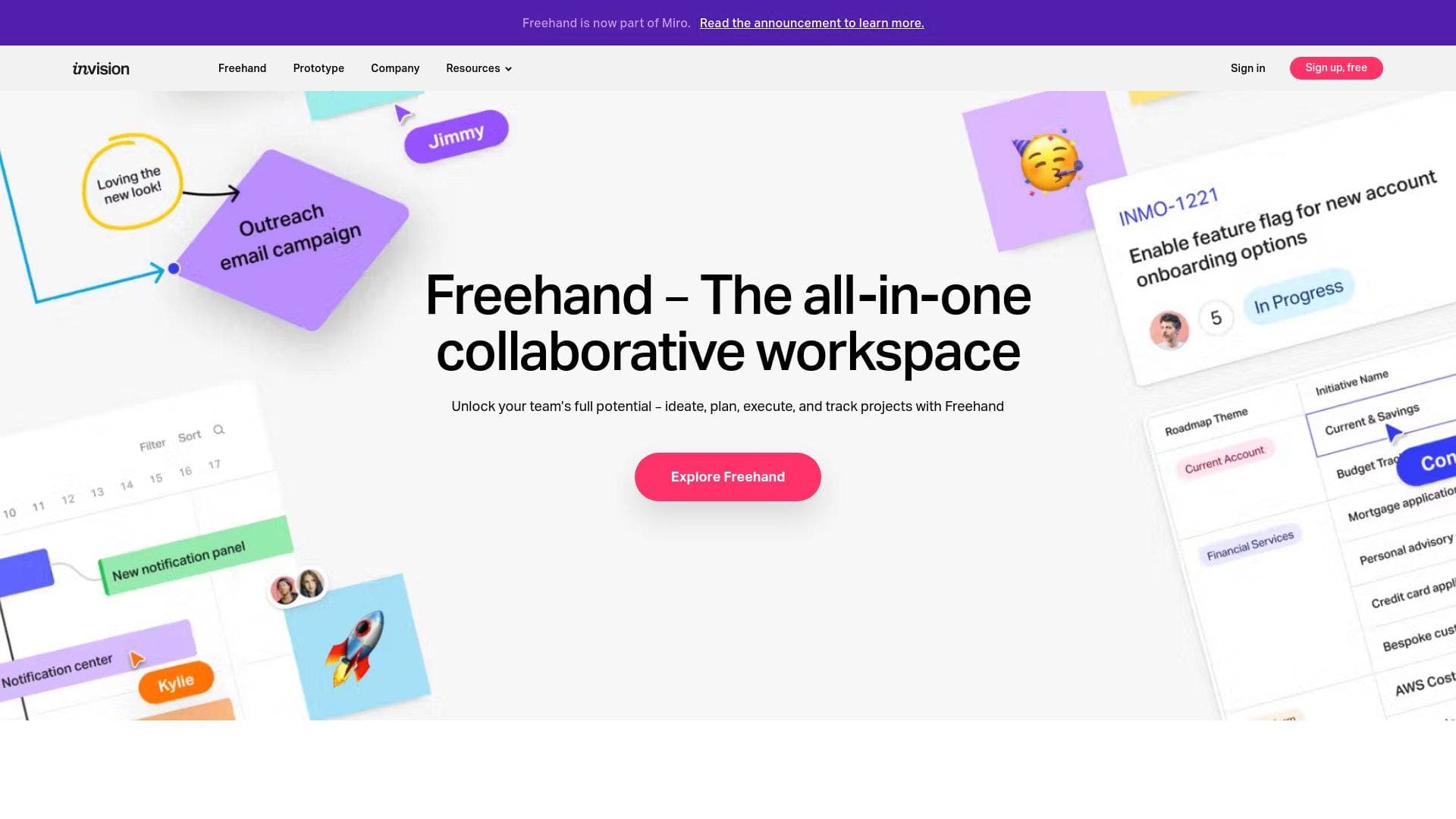
Brief Overview of Miro for Content Creators
Miro is an AI-powered visual collaboration platform built around an infinite, multiplayer canvas that takes creators and teams from raw ideas all the way through to finished deliverables without ever switching tools. The core problem it solves is the fragmentation that plagues modern content creation workflows: brainstorms live in one app, briefs in another, prototypes somewhere else entirely. Miro pulls all of that into one workspace where the canvas itself becomes the context for every AI action. Over 100 million people are already collaborating on the platform, and more than 250,000 organizations rely on it to accelerate their innovation lifecycle. What makes it genuinely different is that AI isn't bolted on as a separate feature — it runs through the entire canvas, turning sticky notes into tables, diagrams into documents, and mood boards into prototypes in a single workspace. For content creators who juggle ideation, planning, and production simultaneously, that kind of visual context-powered workflow can compress what used to take weeks into hours. The platform also connects with 250+ apps and offers 6,000+ templates, meaning creators can plug it into the tools they already use rather than rebuilding their stack from scratch.
Miro Key Features for Content Creators
-
Intelligent Canvas: Miro's infinite, multiplayer canvas is the foundation everything else is built on. Multiple collaborators can work on the same board simultaneously, making it practical for co-creators, editors, and creative partners to brainstorm, plan, and iterate together in real time without stepping on each other's work.
-
Miro AI (Canvas as Prompt): Rather than requiring creators to describe their project from scratch to an AI, Miro uses the existing content on the canvas as rich context. Brainstorms, design sprints, retros, and mood boards all feed directly into AI outputs, producing results that are far more relevant than generic AI responses because they're grounded in the team's actual work.
-
AI Sidekicks: These are AI agents that work alongside creators inside the canvas, pulling from pre-built libraries or custom-built configurations. Sidekicks can read through existing board content and actively assist with it — one user described the experience as "absolutely new" and "really, really powerful" compared to other AI tools they had evaluated.
-
AI Flows: Flows let creators build visual, multi-step AI workflows that automate repetitive processes. Instead of manually converting research notes into a content brief or workshop outputs into an action plan, Flows handle those transformations automatically. One team reported cutting project duration by 50% using this feature alone.
-
Multiple Content Formats: Miro supports Docs, Tables, Slides, Diagrams, and more — all within the same canvas. Creators can move from a sticky-note brainstorm to a structured document to a presentation without ever leaving the workspace, which keeps momentum intact across the entire content creation workflow.
-
Blueprints: Blueprints automate key processes and make workflows scalable and repeatable. For content creators who run recurring formats — weekly newsletters, monthly video series, regular podcast planning sessions — Blueprints mean the process only needs to be built once and can then be reused consistently.
-
MCP Server (AI Coding Tool Integration): Miro's MCP server connects the canvas directly to AI-powered development tools including Claude Code, Gemini CLI, OpenAI Codex, GitHub Copilot, Cursor, Replit, Lovable, and Kiro. It can translate canvas content into visual architecture diagrams, convert PRDs and prototypes into production-ready code, and maintain two-way sync so specs and implementation stay aligned as work evolves.
-
AI Model Flexibility: Miro integrates with OpenAI, Anthropic, Google, and more, giving creators the flexibility to pick the right AI model for each specific task. Creators can also bring their own model keys (currently in beta) to connect OpenAI or Azure OpenAI instances directly to Miro AI.
-
Knowledge System Integrations: Sidekicks and Flows can connect to Microsoft Copilot, Gemini Enterprise, Glean, Amazon Q, and Miro Insights, pulling in company or project knowledge to improve brainstorming and decision-making. For content creators managing large research libraries or brand guidelines, this means AI outputs are grounded in actual source material.
-
Productivity Essentials: Built-in AI tools cover copy editing, image editing, board summaries, and meeting transcriptions. These are the everyday time-savers that add up quickly — a creator who runs regular planning meetings, for example, gets automatic transcriptions and summaries without any additional tooling.
Miro Target Users & Use Cases for Content Creators
Miro is built for creators who work collaboratively or manage complex, multi-stage content production workflows. It scales from solo creators who want AI-assisted planning tools all the way up to larger creative teams that need shared workspaces, repeatable processes, and enterprise-grade security. The platform's depth makes it particularly well-suited to creators who are comfortable with visual thinking and want a workspace that mirrors how ideas actually develop.
-
Primary creator types: YouTubers and video producers planning multi-episode series, podcast hosts mapping out season arcs and guest research, newsletter writers synthesizing research into structured briefs, bloggers managing editorial calendars, and content strategists coordinating across multiple creators or platforms.
-
Experience level: The 6,000+ templates and AI-assisted starting points lower the barrier for newer creators, while the custom Flows, Sidekicks, and MCP integrations give experienced creators and developer-adjacent creators significant depth to work with.
-
Team size: Works for solo creators using the canvas as a personal thinking and planning tool, as well as for creative teams of any size collaborating in real time on a shared multiplayer board.
-
Specific use cases:
- Mapping out a YouTube video series from concept through scripting using the canvas as a visual storyboard
- Running a podcast planning sprint where research, guest notes, and episode outlines all live on one board
- Using AI Flows to automatically convert raw workshop notes or audience research into a polished content brief
- Building a repeatable newsletter production Blueprint so the same structured process runs every week without manual setup
- Connecting Miro to GitHub Copilot or Cursor via MCP to turn a content app prototype into working code
- Using Sidekicks to pull in brand guidelines or editorial standards from a connected knowledge system during brainstorming
- Generating board summaries and meeting transcriptions after collaborative planning sessions to keep all contributors aligned
- Converting mood boards and visual references into structured slide decks or documents for brand partnerships and sponsorship pitches
How to Get Started with Miro
- Choose a plan: Miro offers multiple pricing tiers accessible from the pricing page, allowing creators to select the level that matches their collaboration needs and team size.
- Start from a template: With 6,000+ templates available, the fastest way to get value is to pick a template that matches the immediate task — whether that's a retrospective summary, product brief, research synthesis, or meeting notes.
- Bring AI into the canvas: Once content is on the board, Miro AI can use it as context. Start by running a board summary or asking AI to convert existing sticky notes or diagrams into a structured document.
- Set up integrations: Connect the 250+ available app integrations to pull in tools already in use, and explore MCP connectors if AI coding tools like Cursor, GitHub Copilot, or Replit are part of the workflow.
- Build repeatable Blueprints: After running a process once, use Blueprints to make it scalable and reusable for future content cycles.
Frequently Asked Questions About Miro
How many people are using Miro? Over 100 million people are collaborating on Miro globally, and more than 250,000 organizations use the platform. Notable users include Nike, IKEA, Deloitte, and Cisco.
What AI models does Miro support? Miro integrates with OpenAI, Anthropic, and Google, among others. Creators can select the right model for each task, and there is a beta feature that allows users to bring their own model keys to connect OpenAI or Azure OpenAI instances directly to Miro AI.
What is the MCP server and which tools does it connect to? The MCP server connects Miro's canvas to AI-powered development and coding tools. Supported connectors include Claude Code, Gemini CLI, OpenAI Codex, GitHub Copilot, Cursor, Replit, Lovable, Kiro, Devin, and Windsurf. It enables two-way sync so that specs on the canvas and code in development tools stay aligned.
How many templates and integrations are available? Miro offers 6,000+ templates and integrates with 250+ apps, covering a wide range of tools that creators and teams already use.
What results have teams reported from using AI Workflows? Documented results include a 50% reduction in project duration, concept validation compressed from 6-8 weeks to less than one day, and a 3.6x faster time to market reported by one organization. Another organization reported a 50% shorter planning process.
What knowledge systems can Miro connect to? Miro's Sidekicks and Flows can connect to Microsoft Copilot, Gemini Enterprise, Glean, Amazon Q, and Miro Insights to bring company or project knowledge into AI-assisted workflows.
Is Miro secure enough for sensitive creative work? Miro is ISO 42001 certified and includes granular AI governance controls. Administrators can set permissions by team, track usage, and ensure compliance across the platform.
Bottom Line: Should Content Creators Choose Miro?
Miro is a strong fit for content creators who think visually, work collaboratively, and want AI that operates in the context of their actual work rather than in a separate chat window. The combination of an infinite multiplayer canvas, AI Flows, Sidekicks, and 6,000+ templates makes it genuinely useful for anyone managing complex, multi-stage content production — from podcast planning and video series development to newsletter production and brand partnership pitches. The MCP server integration is a standout capability for creator-developers who want to move from a visual prototype or content spec directly into working code via tools like Cursor or GitHub Copilot.
The platform's depth does mean there is a learning curve, and creators who need a simple single-purpose tool may find Miro more than they need. But for those who regularly juggle ideation, research synthesis, planning, and production across a team, Miro's ability to compress weeks-long processes into hours — backed by documented results from real users — makes it a compelling addition to the content creation workflow. The 250+ integrations and flexible AI model support also mean it can slot into an existing toolkit rather than replacing it entirely.
Details
One link. Every channel, rate, and piece of work brands need to evaluate you. Built for how creators actually get hired.
Claim your profile
Live creator, content, and marketing roles from real companies, with the pay, market, and context the raw job page never gives you.
Browse jobs

 Post Bridge