

Pictory
Pictory is an AI video generator that turns text, scripts, blog posts, URLs, audio, images, and PPTs into professional videos in minutes, with no camera or editing experience required.
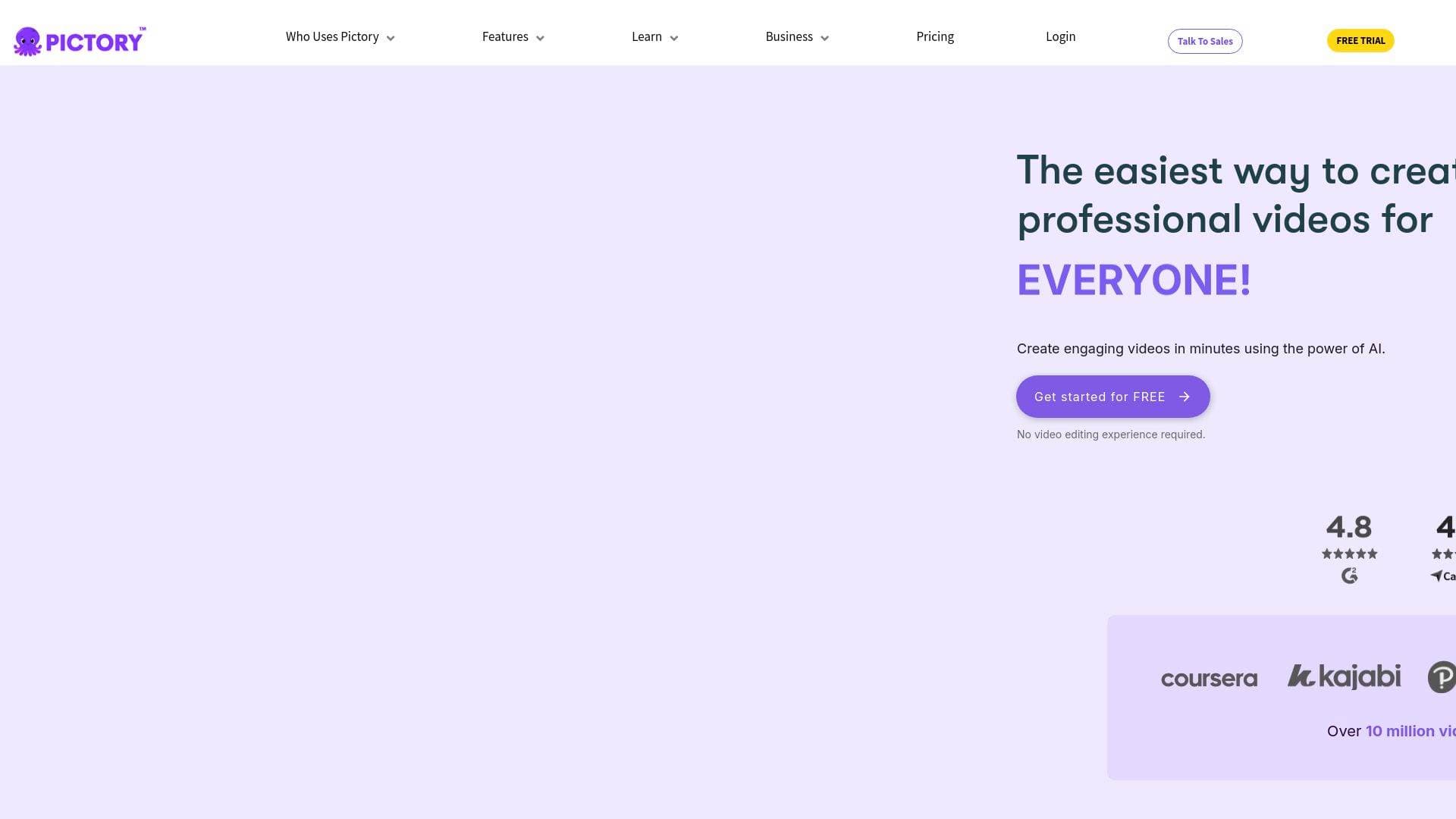
Brief Overview of Pictory for Content Creators
For content creators who need to produce videos consistently but lack the time, budget, or technical skills for traditional video production, Pictory is an AI-powered video creation platform that removes every major barrier from the process. No cameras, no complex timelines, no steep learning curve. The core idea is simple: bring your content in any form, whether that is a written script, a blog post URL, a podcast recording, a PowerPoint presentation, or a set of images, and Pictory's AI converts it into a polished, publish-ready video. This AI video generator handles scripting, scene segmentation, visual matching, captioning, and voiceover generation automatically, cutting what might take days down to minutes. Rated 4.7/5 on G2 and trusted by over 20,000 organizations, it has earned strong praise from first-time creators and experienced video producers alike. The platform supports horizontal, vertical, and square aspect ratios, making it equally useful for YouTube, TikTok, Instagram, and LinkedIn content. Realistic AI voices powered by ElevenLabs handle narration in multiple languages, while AI avatars serve as on-screen presenters without requiring anyone to appear on camera. For creators who want to scale their video content production workflow without scaling their workload, Pictory delivers a genuinely fast path from idea to finished video.
Pictory Key Features for Content Creators
-
Text to Video Generator: Paste any script, article, blog post, or prompt and Pictory automatically segments it into scenes, matches visuals, generates captions, and adds AI narration. This is the fastest way for bloggers and writers to repurpose long-form content into video without rebuilding it from scratch.
-
URL to Video: Drop in any webpage or blog link and Pictory pulls the content, analyzes it, and builds a complete video with Gen AI visuals, captions, and AI voices. Content creators who publish written content regularly can turn every article into a shareable video in just a few clicks.
-
Audio to Video: Upload any audio file up to 5 GB or 180 minutes long in formats including MP3, WAV, and M4A, and Pictory transcribes it automatically, builds a visual storyboard, and generates captions synced to the audio. Podcasters can repurpose full episodes or pull short clips for social media without any manual editing.
-
PPT to Video: PowerPoint presentations convert directly into videos with Gen AI visuals, AI avatars, captions, and realistic voices. Educators and online course creators can transform existing slide decks into engaging video lessons without rebuilding content.
-
Image to Video Generation: Start with a single image and a text prompt, and Pictory animates it into a smooth video clip with motion, scenes, captions, and AI narration added automatically. This opens up video creation for creators who work primarily with photography or graphic assets.
-
AI Avatars: Digital presenters appear directly inside video scenes and narrate scripts using AI voices, with automatic lip sync applied at export. Creators can show or hide avatars per scene, adjust size and position freely, and customize shape, background, and border styling, all without ever appearing on camera themselves.
-
AI Studio: Generate custom images and video clips from text prompts and drop them directly into any scene inside the editor. When stock footage does not match a specific topic or visual concept, AI Studio fills the gap with purpose-built assets.
-
AI Script Generator: Turn raw ideas into complete, professional video scripts in seconds before the video creation process even begins. This is particularly useful for creators who know their topic but struggle with structuring a script quickly.
-
Brand Kit: Upload custom logos, brand colors, and fonts so every video automatically follows an established visual identity. Creators building a recognizable channel or brand presence can apply consistent styling across every project without manually adjusting each one.
-
Automation via Make and Zapier: Connect Pictory to external workflows through Make and Zapier integrations, plus a Chrome extension that generates videos directly from any webpage. Creators producing high volumes of content can automate distribution, storage, and organization without manual steps between tools.
Pictory Target Users & Use Cases for Content Creators
Pictory is built for creators who need volume, speed, and consistency in their video output without the overhead of a full production setup. It works equally well for solo creators just starting out and for established creators managing multiple channels or content formats simultaneously. The platform requires no technical skills, making it accessible regardless of experience level.
-
Primary creator types: YouTubers repurposing blog content or scripts into videos, TikTokers and Instagram Reels creators needing short-form vertical clips, podcasters converting audio episodes into visual social content, bloggers turning written articles into video summaries, educators and online course creators building lesson videos from scripts or slide decks, and newsletter writers expanding their content into video format.
-
Experience level: Pictory is explicitly designed for users with no prior video editing experience, though the full editor gives experienced creators enough control to customize every scene, visual, caption, and audio element.
-
Team size: Works for individual creators as well as small teams, with brand kit features and automation workflows supporting consistent output across multiple collaborators.
-
Specific use cases:
- Converting a long-form blog post into a YouTube video by pasting the URL
- Turning a podcast episode into a series of short social clips using the Audio to Video tool
- Creating faceless YouTube videos using AI avatars and AI voices without appearing on camera
- Repurposing a PowerPoint course module into a narrated educational video
- Generating TikTok and Instagram Reels content in vertical format from existing scripts
- Building branded explainer videos for a YouTube channel using the Brand Kit
- Producing a batch of social media videos from multiple prompts using AI Studio visuals
- Automating video creation and distribution through Zapier or Make integrations
-
Content types: YouTube long-form videos, YouTube Shorts, TikTok clips, Instagram Reels and Stories, Facebook videos, LinkedIn videos, educational tutorials, podcast video repurposing, and social media promotional content.
How to Get Started with Pictory
- Sign up for free at Pictory's website without entering a credit card, then access the dashboard where all creation modes are available.
- Select your input type: choose from Text to Video, URL to Video, Audio to Video, PPT to Video, or Image to Video depending on the content you want to convert.
- Build your script and scenes: paste your content or upload your file, then use the editor to refine the script while AI automatically segments it into scenes with estimated duration and visual context.
- Customize visuals and audio: choose layouts, swap stock visuals or generate new ones in AI Studio, apply your Brand Kit, add an AI avatar, and select a voice from the ElevenLabs-powered AI voice library.
- Export your video: preview the final version, adjust timing or subtitles as needed, then download in your preferred aspect ratio and resolution for immediate publishing.
Frequently Asked Questions About Pictory
What inputs can Pictory turn into videos? Pictory accepts text, scripts, blog posts, URLs, audio files, PowerPoint presentations, images, and existing video content as starting points. The AI analyzes whichever input is provided and builds a structured, scene-based video from it automatically.
Does Pictory support different video formats for different platforms? Yes. Horizontal (16:9), vertical (9:16), and square (1:1) aspect ratios are all supported, with scene content adjusting automatically to fit the chosen format. This makes it straightforward to produce YouTube videos, TikTok clips, and Instagram posts from the same project.
Can creators use their own footage and images? Yes. Custom visuals can be uploaded at any time to replace or supplement AI-selected stock content. Many creators blend personal uploads with AI Studio-generated assets for a more unique look.
What audio file formats and sizes does Pictory support? The Audio to Video tool accepts MP3, WAV, M4A, and other standard audio formats, with a maximum file size of 5 GB and a maximum duration of 180 minutes per upload.
How do AI avatars work inside Pictory? AI avatars are added as an editable layer inside the video editor and narrate scene text using AI voices. Creators can show or hide avatars on a per-scene basis, adjust their position and size freely, customize shape and border styling, and automatic lip sync is applied during export.
What AI voice options are available? Pictory uses ElevenLabs-powered AI voices, available in multiple languages. Voices are applied to narrate scene text automatically, and creators can adjust voice style and language settings within the editor.
Does Pictory integrate with other tools? Yes. Pictory connects with Make and Zapier for workflow automation, and a Chrome extension allows video generation directly from any webpage. The platform also offers API access for custom integrations.
Is Pictory SOC 2 and GDPR compliant? Yes. Pictory holds SOC 2 and ISO 27001 certifications and is GDPR compliant, which matters for creators handling audience data or working with brand partners who require data security standards.
Bottom Line: Should Content Creators Choose Pictory?
Pictory is a strong choice for content creators who need to produce professional videos at scale without investing in cameras, editing software, or production teams. The breadth of input options, from text and URLs to audio files and PowerPoint decks, means almost any existing content can be converted into video quickly. The AI avatar system is particularly valuable for creators who want a consistent on-screen presence without filming themselves, and the ElevenLabs voice integration delivers narration quality that holds up well for YouTube, social media, and educational content.
The Brand Kit and multi-format export options make it practical for creators managing a consistent visual identity across multiple platforms. Automation through Zapier and Make adds real efficiency for high-volume creators who need content moving through their workflow without manual intervention at every step.
The main consideration is that AI avatar availability is noted as being on supported plans, so creators interested specifically in that feature should verify plan details before committing. Overall, Pictory offers a genuinely accessible video production workflow for creators at every experience level, and the free trial with no credit card required makes it easy to test before deciding.
Details
