

DatoCMS
DatoCMS is a headless CMS platform used by 25,000+ teams to manage, publish, and distribute content across websites and digital experiences via API.
Brief Overview of DatoCMS for Content Creators
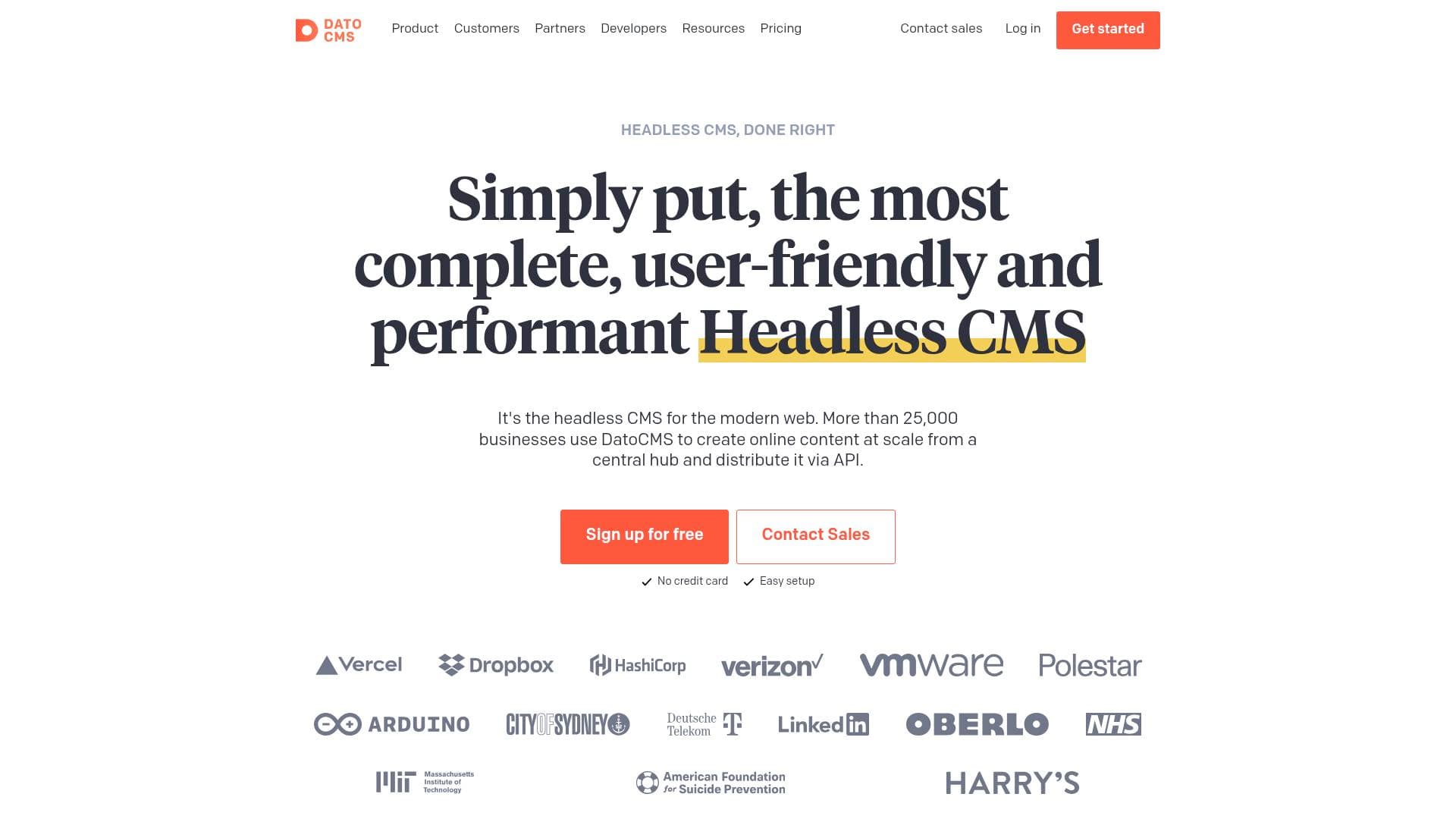
Managing content across multiple platforms, websites, and digital channels is one of the biggest headaches for modern content creators. DatoCMS is a headless CMS platform built to solve exactly that problem, giving creators and their teams a single centralized hub to manage all content and distribute it everywhere via API. More than 25,000 teams rely on it to handle everything from blog posts and digital magazines to eCommerce and knowledge bases. What sets it apart is a Visual Editing system that lets content editors see their work exactly as it appears on the live site, click any element directly, and watch changes appear in real time without navigating through forms and fields. The platform supports a wide range of frontend frameworks including Next.js, Nuxt, Astro, React, Svelte, and Vue.js, making it flexible enough to power virtually any content creation workflow. For creators running websites at scale, DatoCMS delivers content through a global CDN spanning 200 cities in more than 90 countries, with an average API latency of 40ms. It's a content management platform designed to get out of the way and let creators focus on publishing, not infrastructure.
DatoCMS Key Features for Content Creators
-
Visual Editing with Click-to-Edit Overlays: Rather than hunting through CMS menus to find the right field, content creators can browse their live site in draft mode and click directly on any piece of content to edit it. This is powered by Content Link, which embeds invisible metadata (called stega encoding) into content so that interactive overlays appear on hover, deep-linking straight to the exact CMS field controlling that element. It's a genuinely different editing experience compared to traditional form-based CMS interfaces.
-
Side-by-Side Web Previews: The optional Web Previews Plugin takes visual editing further by embedding the website preview directly inside the DatoCMS interface. Creators and editors get a split-screen view where clicking on content instantly opens the edit panel in the same window, with no tab switching required. The plugin also enables bidirectional navigation, so browsing the preview causes DatoCMS to follow along automatically.
-
Real-Time Content Updates: Changes made in DatoCMS are reflected in the preview immediately, without requiring a page refresh. This makes the content editing loop much faster for creators who need to iterate quickly on copy, images, or layout before publishing.
-
Draft Mode: Content creators can access and preview unpublished content during editing sessions before anything goes live. This pairs directly with the Visual Editing system to create a safe, accurate preview environment that reflects exactly what audiences will see.
-
Structured Text Editor: DatoCMS includes what it describes as the best text editor available in a headless CMS, with support for embedded blocks, inline records, and inline blocks within structured content. For bloggers and long-form content creators, this means rich, flexible content composition without sacrificing structure or portability.
-
Modular Content and Dynamic Layouts: Creators can build dynamic page layouts using a drag-and-drop WYSIWYG approach with modular content blocks. This is particularly useful for newsletter writers, digital publishers, and bloggers who need flexible page structures without relying on a developer for every layout change.
-
Native Localization: Multi-language content is supported out of the box with granular publishing control per locale. Creators running content in multiple languages or targeting international audiences can manage all locales from the same interface. Real-world deployments include projects running 28+ locales and 55+ locales from a single DatoCMS instance.
-
Images API and Video API: Asset optimization is handled automatically via integrations with imgix (for images) and Mux (for video). Content creators don't need to manually resize, compress, or transcode media before publishing, which removes a significant step from the typical content production workflow.
-
AI and Automation Features: DatoCMS includes AI and automation capabilities, though specific details of these features are part of the broader platform offering. For creators managing high content volumes, automation tools can reduce repetitive manual tasks.
-
Plugins and Extensibility: The platform supports a plugin ecosystem that allows creators and their developer collaborators to extend and customize the CMS interface. Plugins can add new field types, sidebar tools, and workflow enhancements tailored to specific content creation needs.
-
Workflows: Built-in workflow management gives content teams structured publishing processes, which is valuable for creators working with editors, collaborators, or approval chains before content goes live.
-
Global CDN Delivery: All content is delivered through a worldwide CDN network, ensuring fast load times for audiences regardless of geography. The platform averages 40ms on its Content Delivery API with a 100% success rate, and Cache Tags enable granular cache invalidation so only changed content gets purged rather than triggering full site rebuilds.
DatoCMS Target Users & Use Cases for Content Creators
DatoCMS is built for content creators who need more than a basic blogging tool but don't want to manage complex infrastructure themselves. It's particularly well-suited for creators who work with developers or technical collaborators, since the platform bridges the gap between a polished editor experience and a developer-friendly API-first backend. Solo creators with technical skills and content teams of all sizes will find the feature set relevant.
-
Primary creator types: Bloggers and long-form writers who need structured, portable content; digital publishers running multiple magazines or content verticals; creators managing multilingual content for international audiences; newsletter writers who want a central content hub feeding multiple channels; content teams with editors, writers, and approval workflows.
-
Experience level: The Visual Editing and modular content features are designed to be accessible to non-technical editors, while the GraphQL API, Schema Builder, and CLI tools cater to technically inclined creators or their developer partners.
-
Team size: Scales from individual creators up to large teams. Real deployments include projects with 250+ editors across 35 roles, and platforms powering 30 magazines from a single instance.
-
Specific use cases:
- A blogger building a Next.js or Astro personal site who wants to edit content directly on the live page rather than in a separate admin panel
- A digital magazine creator managing multiple content verticals and needing structured text with embedded media blocks
- A multilingual content creator publishing to audiences across different regions, managing 10+ locales from one interface
- A content team where writers draft, editors review, and a workflow system manages the approval and publishing process
- A creator running a knowledge base or documentation site who needs structured content modeling and fast API delivery
- A creator building an eCommerce content layer on top of a Shopify store, combining product data with editorial content
- A podcaster or video creator managing show notes, transcripts, and episode metadata in a structured CMS with Video API support
- A creator agency managing content for multiple clients from a single DatoCMS instance
-
Content types supported: Blog posts, digital magazine articles, eCommerce product content, knowledge base entries, video and podcast metadata, multilingual web content, and dynamic page layouts.
How to Get Started with DatoCMS
-
Sign up for free: DatoCMS offers a free signup with no credit card required and describes the setup as easy. Create an account at the DatoCMS dashboard to get started immediately.
-
Define your content structure: Use the Schema Builder to create content models, fields, and blocks through the UI without writing config files. This sets up the structure your content will follow across all publishing channels.
-
Connect your frontend: Use official integration guides for Next.js, SvelteKit, Astro, or Nuxt to connect DatoCMS to your existing or new frontend project. Official SDKs are available for JavaScript, TypeScript, and Node.js.
-
Enable Visual Editing: Set up Content Link by enabling stega encoding when fetching draft content and adding the ContentLink component to your root layout. This activates click-to-edit overlays so content can be edited directly from the live site preview.
-
Install the Web Previews Plugin (optional): For a full side-by-side editing experience, install the Web Previews plugin from the DatoCMS marketplace and configure the Preview Links API endpoint and Draft Mode route for your frontend.
Frequently Asked Questions About DatoCMS
What is Visual Editing in DatoCMS? Visual Editing is a content management approach where editors browse the live website in draft mode and click directly on any content element to edit it, rather than navigating through CMS forms. It combines Draft Mode, real-time updates, Content Link overlays, and the Web Previews Plugin to create a true what-you-see-is-what-you-edit experience.
Does Visual Editing require a DatoCMS plugin? Content Link, which provides click-to-edit overlays, works entirely on the frontend website with no DatoCMS plugin required. Clicking an editable element opens DatoCMS in a new browser tab. The Web Previews Plugin is an optional enhancement that adds side-by-side editing within the DatoCMS interface itself.
What frontend frameworks does DatoCMS support? DatoCMS has official integration guides for Next.js, SvelteKit, Astro, and Nuxt, with SDK support for JavaScript, TypeScript, and Node.js. It also works with React, Svelte, Vue.js, and other frameworks through its GraphQL and REST APIs.
How fast is DatoCMS content delivery? The Content Delivery API averages 40ms latency with a 100% success rate, backed by a global CDN spanning 200 cities in more than 90 countries. Cache Tags enable granular cache invalidation so only changed content is purged, avoiding full site rebuilds.
How many teams use DatoCMS? More than 25,000 teams use DatoCMS to manage and distribute content. Real-world deployments include projects handling 5 million API calls and 2TB of traffic monthly, platforms with 250+ editors across 35 roles, and setups powering 30 magazines from a single instance.
Does DatoCMS support multiple languages? Yes, native localization is built in with granular publishing control. Documented deployments include projects running 28+ locales and others managing 55+ locales from a single DatoCMS instance.
Is there a free plan available? DatoCMS offers a free signup with no credit card required and describes the setup process as easy.
Bottom Line: Should Content Creators Choose DatoCMS?
DatoCMS is a strong choice for content creators who run websites or digital publications and want a modern, API-first content management platform that doesn't force them to choose between a great editor experience and a powerful technical backend. The Visual Editing system is a genuine differentiator, making content updates faster and more intuitive by letting editors work directly on the live site rather than in disconnected admin panels. Creators managing multilingual content, large content teams, or multiple publications from a single hub will find the platform particularly well-suited to their needs.
The platform does require some technical setup, particularly for enabling Visual Editing and connecting frontends. Creators without developer support may find the initial configuration challenging, as features like Content Link and the Web Previews Plugin involve code-level integration. However, once set up, the day-to-day editing experience is designed to be accessible to non-technical team members.
For bloggers, digital publishers, and content teams building on modern frameworks like Next.js or Astro, DatoCMS delivers a content management workflow that scales from a single creator to 250+ editors without changing platforms. The combination of real-time previews, structured content modeling, automatic asset optimization, and a global CDN makes it a well-rounded headless CMS platform for serious content creation work.
Details
