

Slick
Slick is an AI video editing tool for creating viral shorts by automatically adding captions, cutting silences, inserting B-rolls, and adding effects.
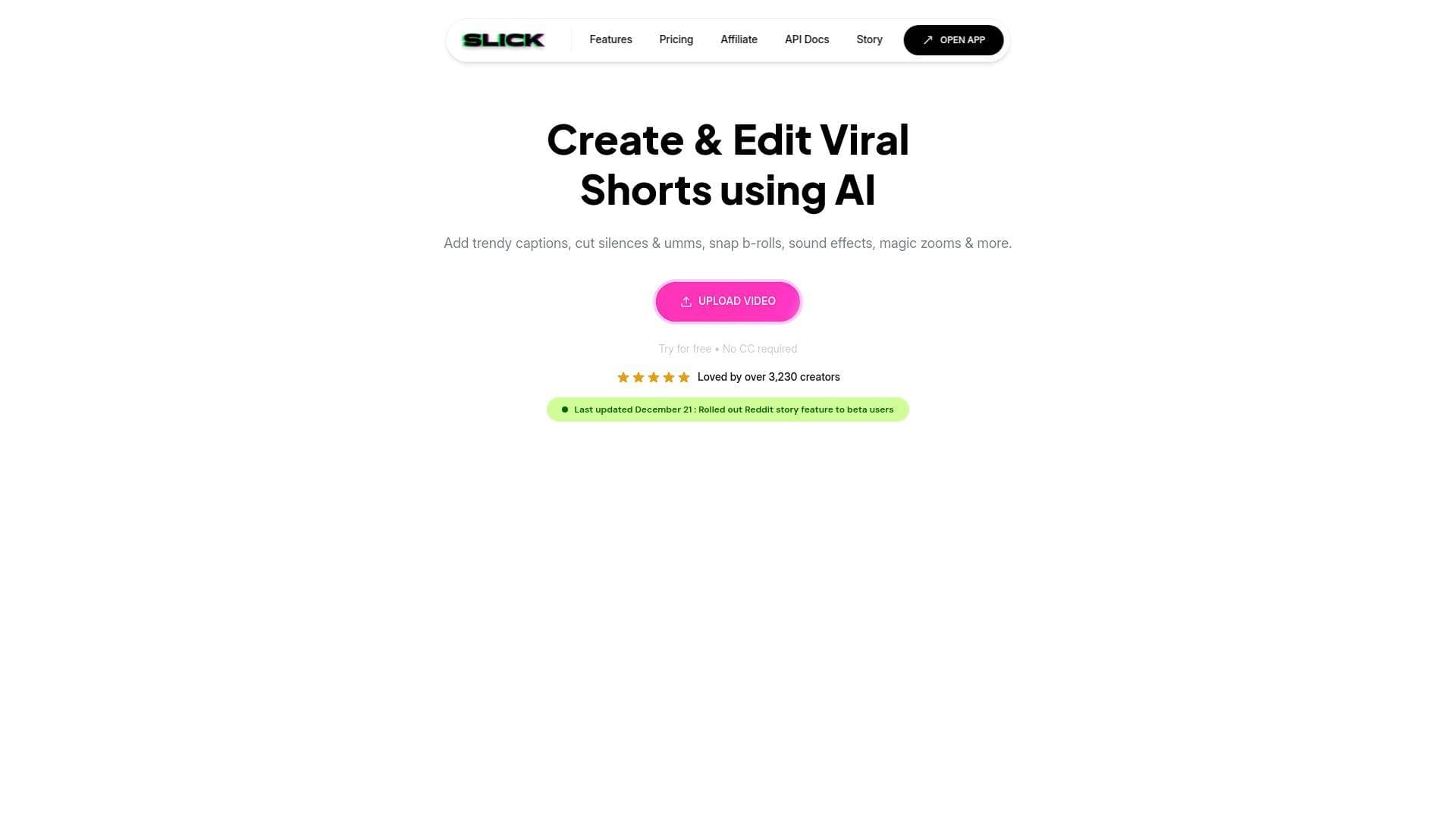
Brief Overview of Slick
Slick is an AI-powered video editing tool designed specifically to accelerate the content creation workflow for short-form video. Its primary purpose is to help creators produce engaging, viral-style shorts for platforms like TikTok, Instagram Reels, and YouTube Shorts with minimal manual effort. The platform solves the common problem of time-consuming editing by automating tedious tasks such as generating captions, removing silent pauses, and adding relevant visual elements. Slick's core technology leverages AI to analyze video content, enabling features like one-click B-roll insertion and repurposing long-form YouTube videos into multiple short clips. This multistreaming solution for content repurposing is built for creators who need to produce a high volume of polished content efficiently. The tool supports video resolutions up to 4K and offers a range of customization options to maintain a creator's unique brand style.
Slick Key Features for Content Creators
- AI B-roll: This feature automatically adds relevant B-roll footage to video clips with a single click, saving creators the time of manually searching for and syncing supplementary visuals.
- Trendy Captions: Slick generates precise, fully customizable captions with new styles added weekly. Creators can adjust fonts, colors, and animations to match their brand, and the tool supports over 106 languages.
- Filler Word & Silence Removal: The AI can automatically detect and cut filler words like "umms" and silent gaps from videos in one click. This feature, also called AI Auto Cuts, tightens the pacing and improves viewer retention.
- Video to Shorts: Users can input a YouTube video URL, and Slick's AI will identify the most interesting and engaging segments to automatically create multiple short clips, streamlining the content repurposing process.
- Magic Zooms: The tool allows creators to apply strategic, automated zooms to their videos, adding dynamic movement to static shots and emphasizing key moments without manual keyframing.
- Background Music & Sound Effects: Creators can upload their own background music or use the platform's library of sound effects to enhance the audio experience of their videos.
- AI Description & Hashtags: To optimize content for social media platforms, Slick can generate relevant video descriptions and hashtags. This helps improve discoverability and reach.
- Team Collaboration: Paid plans include features for team collaboration, allowing multiple users (from 3 to 10+, depending on the plan) to work on projects together within the same account.
- Post Scheduling: Available on the Pro plan and higher, this feature enables creators to schedule their finished videos to auto-post directly to YouTube and TikTok, helping to maintain a consistent publishing schedule.
- Support for All Aspect Ratios: The editor handles various aspect ratios, making it suitable for content destined for different platforms, from vertical shorts to standard horizontal videos. It also supports video quality up to 4K on the Business plan.
Slick Target Users & Use Cases
Slick is designed for content creators, social media managers, and agencies who prioritize speed and efficiency in producing short-form video content. The intuitive interface and automated features make it accessible for beginners, while the customization options and team features cater to more experienced users and small teams.
- Primary creator types: YouTubers, TikTokers, Instagram influencers, marketing agencies, and business owners managing their own social media presence.
- Experience level: The tool is suitable for all levels, from beginners who find traditional video editing intimidating to professionals looking to automate parts of their workflow.
- Team size: Slick is built for both solo creators and small to medium-sized teams, with plans supporting 3, 5, or 10+ members.
- Specific use cases:
- Repurposing long-form podcasts or YouTube videos into dozens of short clips.
- Quickly adding engaging, animated captions to talking-head videos.
- Automating the removal of awkward pauses and filler words from interviews.
- Creating faceless content series using AI-driven features.
- Adding dynamic B-roll and zooms to make static videos more visually appealing.
- Scheduling a full content calendar of shorts for TikTok and YouTube.
- Generating optimized titles, descriptions, and hashtags for social media posts.
- Content types: The platform is primarily focused on short-form vertical videos for platforms like TikTok, Instagram Reels, and YouTube Shorts, but it supports all aspect ratios for broader use.
How to Get Started with Slick
The platform offers a straightforward, three-step process to begin creating videos:
- Upload Content: Start by either dragging and dropping a video file directly into the editor or by entering a YouTube video URL to have the AI generate shorts from it.
- Edit with AI Tools: Use the editor to add and customize trendy captions, insert AI-suggested B-rolls, add emojis, apply magic zooms, and remove silences. Users can also trim clips and add background music.
- Export and Share: Once the edits are complete, export the video. The platform allows for unlimited exports, which can then be shared on TikTok, Instagram, YouTube, and other social media channels.
Bottom Line: Should Content Creators Choose Slick?
For content creators focused on producing a high volume of short-form videos, Slick presents a compelling value proposition. Its main advantage lies in its suite of AI-powered tools that automate the most time-consuming aspects of video editing, such as captioning, silence removal, and B-roll sourcing. This allows creators to significantly reduce their editing time and focus on creating more content. The ability to repurpose a single long-form video into multiple shorts is a particularly powerful feature for maximizing content output.
The tool is an excellent choice for individuals or small teams who want to create polished, engaging videos without a steep learning curve or extensive manual editing. While some advanced features like 4K export, API access, and live chat support are reserved for higher-tier paid plans, the core functionality provides a robust solution for the modern social media creator. Slick effectively addresses the need for speed and engagement in the fast-paced world of short-form video.
Details
One link. Every channel, rate, and piece of work brands need to evaluate you. Built for how creators actually get hired.
Claim your profile
Live creator, content, and marketing roles from real companies, with the pay, market, and context the raw job page never gives you.
Browse jobs

 Post Bridge