

Online Broken Link Checker
Dead Link Checker is a free online broken link checker that crawls websites to identify dead links, helping content creators protect their SEO rankings and user experience.
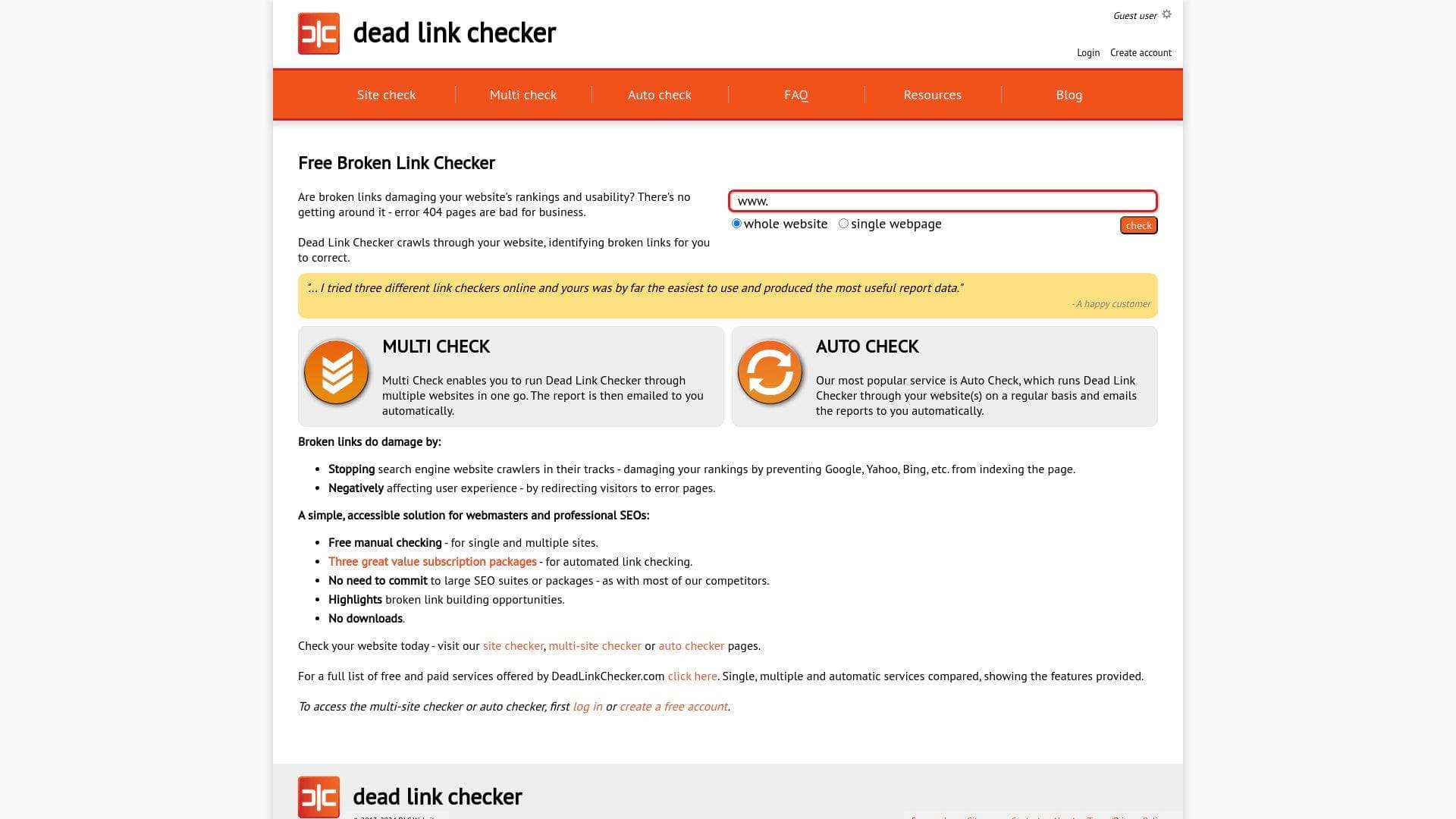
What is Dead Link Checker? A Content Creator's Guide
Dead Link Checker is a free online broken link checker tool built to crawl websites and identify dead or broken links that could be quietly undermining a creator's hard-earned SEO rankings and audience experience. For bloggers, newsletter writers, and any creator who maintains a content-heavy website, broken links are a silent threat: they stop search engine crawlers from indexing pages, push visitors toward frustrating 404 error pages, and chip away at the credibility that creators spend years building. This tool tackles that problem head-on by scanning either an entire website or a single webpage and delivering a clear report of every broken link found. No software installation is required, making it instantly accessible for creators at any technical level. Beyond one-off manual checks, Dead Link Checker also offers automated scheduled checking, which is its most popular feature, sending reports directly to a creator's inbox on a regular basis. For creators managing multiple sites, a multi-check option lets several URLs be scanned in a single session, with results emailed automatically.
Dead Link Checker Features That Matter for Content Creators
-
Free Site-Wide Crawling: Dead Link Checker scans an entire website for broken links at no cost. Creators can simply enter a URL, select the scan type, and let the tool do the heavy lifting, identifying every dead link across the whole site without any manual page-by-page checking.
-
Single Webpage Check: Beyond full-site scans, creators can target a specific webpage for a faster, more focused audit. This is particularly useful when a creator has just published a new post loaded with external references and wants to verify every link before it goes live to a large audience.
-
Multi Check: The Multi Check feature allows creators to run Dead Link Checker across multiple websites in a single session. The resulting report is automatically emailed, making it a practical solution for creators who manage several blogs, niche sites, or client websites simultaneously.
-
Auto Check (Automated Scheduled Checking): Described as the most popular service, Auto Check runs Dead Link Checker through a website on a regular basis and emails the reports automatically. This means creators never have to remember to manually audit their site; broken links get flagged as they appear, keeping content fresh and SEO-healthy over time.
-
Email Report Delivery: Whether using Multi Check or Auto Check, reports are delivered directly to a creator's registered email address. This passive monitoring approach means creators stay informed about their site's link health without having to log in and run checks manually.
-
Broken Link Building Opportunity Highlights: Dead Link Checker highlights broken link building opportunities within its reports. For creators focused on growing their domain authority and building backlinks, this adds an extra layer of strategic value beyond simple maintenance.
-
No Downloads Required: The entire tool runs in-browser with no software to install or configure. Creators can run a full site audit from any device with internet access, which is ideal for those who work across multiple machines or prefer lightweight, frictionless tools.
-
Three Subscription Packages for Automated Checking: While manual checking is completely free, three paid subscription tiers unlock automated link checking capabilities. Creators can choose a package that fits their needs without being locked into large, expensive SEO suite commitments.
-
Free Account Creation: Creating an account is free and only requires a valid email address. Registering unlocks access to both the Multi Check and Auto Check features, with the email address doubling as the customer ID and the destination for all link reports.
-
Status and Source Link Reporting: Check results are presented in a structured table showing the status of each link, the URL in question, and the source link text. This format makes it straightforward for creators to locate and fix problematic links within their content management system.
Which Content Creators Should Use Dead Link Checker?
Any creator who publishes content on a website and cares about search visibility and reader experience will find genuine value in Dead Link Checker. It is particularly well-suited to creators who have built up large archives of content over time, where the risk of accumulating dead links grows with every passing month.
-
Primary creator types: Bloggers with large post archives, affiliate marketers linking to product pages, newsletter writers who maintain a web-based archive, podcasters with show notes pages, and YouTubers who run companion websites with resource links.
-
Experience level: The tool is designed to be easy to use for creators at any skill level. No technical knowledge is needed to run a scan, and the no-download approach removes any setup friction entirely.
-
Team size: Works equally well for solo creators managing a single site and small creator teams overseeing multiple web properties. The Multi Check feature is especially useful for small teams or freelance creators handling several client sites.
-
Specific use cases:
- A blogger with years of archived posts wants to audit the entire site for dead external links before a site redesign.
- A podcaster notices a dip in organic search traffic and uses Dead Link Checker to identify crawl-blocking broken links across show notes pages.
- A newsletter writer who publishes a web archive of past issues uses Auto Check to receive regular reports and keep every issue's links functional.
- An affiliate content creator regularly checks product pages and partner links to ensure commission-generating URLs are still live.
- A creator managing multiple niche websites uses Multi Check to audit all properties in one session and receive a consolidated email report.
- A YouTuber running a resource hub website uses the single webpage checker to verify links on a newly published tools page before promoting it to subscribers.
- A content creator focused on SEO growth uses the broken link building opportunity highlights to identify strategic outreach targets.
- A freelance content creator managing several client blogs uses Auto Check to provide ongoing link health monitoring as part of a retainer service.
Getting Started with Dead Link Checker
- Run a free check without an account: Visit the Site Checker page, enter the URL of the website or webpage to scan, select either "whole website" or "single webpage," and complete the captcha to begin. Results appear in a status table showing each broken link, its URL, and the source link text.
- Create a free account: To access Multi Check and Auto Check, register with a valid email address. An email with password setup instructions is sent immediately after submitting the registration form.
- Set up Auto Check: Once logged in, configure Auto Check to run Dead Link Checker through one or more websites on a regular schedule. Reports are automatically emailed to the registered address, keeping creators informed about their site's link health on an ongoing basis.
Dead Link Checker FAQ for Content Creators
Is Dead Link Checker free to use? Manual checking for both single sites and multiple sites is completely free. Automated link checking through the Auto Check feature requires one of three paid subscription packages, giving creators flexibility to choose only what they need.
Do I need to download any software? No downloads are required at any point. Dead Link Checker runs entirely in the browser, making it accessible from any device without installation or configuration.
Do I need an account to use it? A free account is only required to access Multi Check and Auto Check. The basic Site Checker tool for single-site and single-page scanning is available without logging in.
How are check results delivered? For Multi Check and Auto Check, results are automatically emailed to the address used to create the account. For manual site checks, results are displayed directly on the page in a structured table.
Why do broken links hurt a creator's website? Broken links prevent search engine crawlers from indexing pages, which damages organic search rankings. They also redirect visitors to error 404 pages, which harms user experience and can reduce traffic and audience retention over time.
Can I check multiple websites at once? Yes. The Multi Check feature, available to registered users, allows multiple website URLs to be submitted for checking in a single session, with the combined report sent by email automatically.
The Verdict: Is Dead Link Checker Worth It for Content Creators?
Dead Link Checker is a genuinely practical tool for any content creator who maintains a website and wants to protect their SEO performance and reader experience without investing in a full-scale SEO platform. The free manual checking option makes it immediately accessible with zero commitment, while the Auto Check subscription is a strong fit for creators who want passive, ongoing monitoring without having to remember to run audits themselves. The Multi Check feature adds real value for creators juggling multiple web properties. The main limitation is that advanced automation sits behind a paid subscription, but the three-tier package structure means creators are not forced into oversized commitments. For bloggers, affiliate creators, podcasters, and any creator running a content-heavy site, Dead Link Checker offers a focused, no-frills solution to a problem that quietly damages rankings and credibility if left unaddressed.
Details
